


New AI tools arrive every week, but only a handful actually change how you work. Here are five recent releases that can seriously upgrade your productivity: Papercup, Caspa AI, Xinva AI, Studycrumb and Audyo AI. They cover everything from human‑sounding dubbing and realistic image generation to rapid design creation, grammar checking, and text‑to‑voice audio. Whether you’re a creator, marketer, teacher or small business owner, these tools cut manual tasks, speed output and help you scale quality content across platforms. Read on for a quick breakdown of what each does, best use cases and tips to get started.
5 Best New AI Tools That Will Turn You Into a Productivity Machine

New AI tools arrive every week, but only a handful actually change how you work. Here are five recent releases that can seriously upgrade your productivity: Papercup, Caspa AI, Xinva AI, Studycrumb and Audyo AI. They cover everything from human‑sounding dubbing and realistic image generation to rapid design creation, grammar checking, and text‑to‑voice audio. Whether you’re a creator, marketer, teacher or small business owner, these tools cut manual tasks, speed output and help you scale quality content across platforms. Read on for a quick breakdown of what each does, best use cases and tips to get started.
Papercup , AI Dubbing & Video Translation

Papercup uses advanced TTS and translation models to dub videos with natural-sounding voices, letting you localize footage quickly without hiring voice actors. Upload your clip, pick target languages and voice profiles, and Papercup handles translation, timing and voice rendering so dialogue feels native. It’s ideal for YouTubers, course creators, and brands scaling to international markets , you can repurpose content across regions in minutes. For best results, clean up transcripts, pick a voice that fits your audience, and tweak pacing. The result is faster distribution, broader reach, and lower localization costs while keeping a human tone that viewers trust.
Caspa AI , Realistic Images for Marketing

Caspa AI streamlines image production for marketers and designers by generating realistic, brand-ready visuals in seconds. Instead of expensive photoshoots or generic stock images, Caspa can create custom scenes, authentic human models, and on-brand compositions tailored to your brief. It’s ideal for ad creatives, landing-page hero images, and social posts where fresh imagery matters. Work in iterations: start with a prompt, tweak lighting or demographics, and lock down a style guide to keep consistency across campaigns. The time and cost savings are substantial, and outputs are usually high-resolution and customizable. Tip: verify licensing for commercial use and fine-tune prompts for on-brand results.
Xinva AI , Instant Designs from Text Prompts
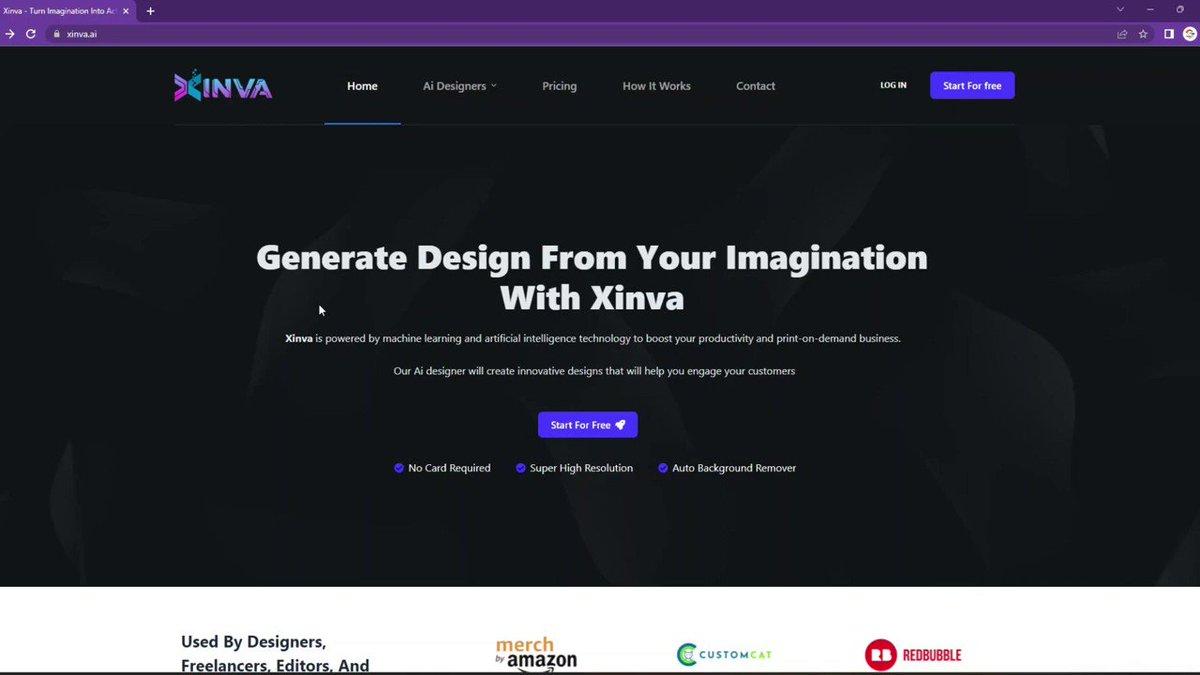
Xinva AI turns short text prompts into ready-to-use artwork for print and digital products. Whether you’re making t-shirt graphics, stickers, repeat patterns, or detailed illustrations, Xinva produces multiple style variations, illustrative, minimalist, retro, or photorealistic, so you can preview options fast. It’s especially handy for print-on-demand sellers and designers who need quick mockups and exportable files for production. Use reference phrases for composition, specify color palettes, and request vector outputs when possible. To get professional-grade results, iterate on prompts, combine prompts with sample images, and check the output’s resolution and licensing before commercial use. Pair Xinva outputs with mockups to preview garments and reduce returns.
Studycrumb , AI Grammar & Writing Assistant
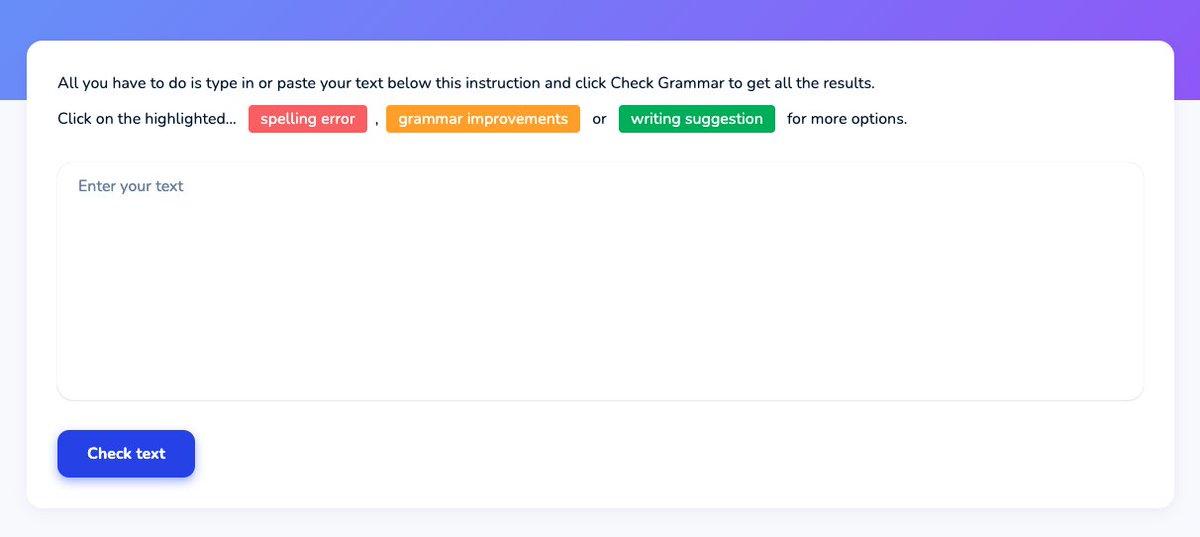
Studycrumb is an AI-powered grammar and writing assistant built to catch mistakes and sharpen your prose. Beyond simple spelling, it highlights grammar errors, awkward phrasing, and offers rewrite suggestions to improve clarity, tone, and concision. Students, bloggers, and professionals will appreciate context-aware corrections, formalizing a cover letter or tightening a social post with a single click. It often explains why a change is recommended so you learn as you edit. For best results, review suggested rewrites to preserve your voice, use the tone controls if available, and run the checker as a final pass before publishing or submitting. Consider pairing it with a plagiarism checker for academic work.
Audyo AI , Natural Text-to-Speech & Audio Editing

Audyo AI brings text-to-speech into practical production workflows with surprisingly natural, human-like voices. Type your script, choose or customize voice profiles, and export polished audio for podcasts, video voiceovers, audiobooks, or accessibility features. It’s an excellent tool for quickly generating narration without recording sessions, handy for iterative edits and rapid localization. Many platforms let you tweak pitch, pacing, and emphasis to match brand tone, and you can splice together multiple voices for dialogues. For pro results, proof-listen the entire track, add punctuation for natural pauses, and consider blending with real voice recordings when subtle emotion is critical. Also check licensing when cloning voices.