



Ever wonder if smart home gadgets can make your space feel brighter? Imagine waking up to a gentle glow, hearing your favorite tune, and having devices that seem to know what you need before you even ask. In this post, we explore smart speakers, screens, clever lights, and cleaning robots that are here to make everyday life simpler and more comfortable. These tech choices blend modern innovation with home warmth, giving you a stylish vibe and ease every day.
Smart home gadgets: Bright picks for cozy living
Imagine waking up to a home that gently eases you into the day. Your favorite song starts playing in the kitchen as the lights warm up slowly, making you feel cozy and ready to go. Smart speakers like the Amazon Echo (about $100, with strong bass and stereo pairing) and smart displays such as the Google Nest Hub 2 (featuring a 7″ screen and a Google Photos frame) turn that vision into reality. Picture starting your morning with a digital frame that streams YouTube or Netflix while keeping track of your schedule, fun and practical all at once.
Next, think about the mood you set with intelligent lighting. Products like the Philips Hue Starter Kit and TP-Link Kasa Smart Wi-Fi bulbs let you choose full-spectrum colors or soft white tones to suit any moment. Meanwhile, security devices such as the Blink Outdoor 4 are built tough, offering night vision, motion alerts, and even a battery that lasts up to two years. And if cleaning is a chore, the Roomba Combo j9+ is ready to help with both vacuuming and mopping, thanks to smart navigation and an auto-refill base. Lastly, for a smooth internet experience, mesh routers like the TP-Link Deco XE75 cover up to 7,200 sq ft with tri-band Wi-Fi 6.
| Category | Example Device | Key Feature |
|---|---|---|
| Smart Speakers | Amazon Echo | Strong bass; stereo pairing |
| Smart Displays | Google Nest Hub 2 | 7″ screen; photo frame; streaming |
| Intelligent Lighting | Philips Hue Starter Kit | Full-spectrum; scheduling via app |
| Security Cameras | Blink Outdoor 4 | 2-year battery; night vision; motion alerts |
| Cleaning Bots | Roomba Combo j9+ | Vacuum + mop; smart navigation; auto-refill |
| Mesh Routers | TP-Link Deco XE75 | Tri-band Wi-Fi 6; covers 7,200 sq ft |
Smart Speakers and Displays: Voice-Controlled Devices at Home
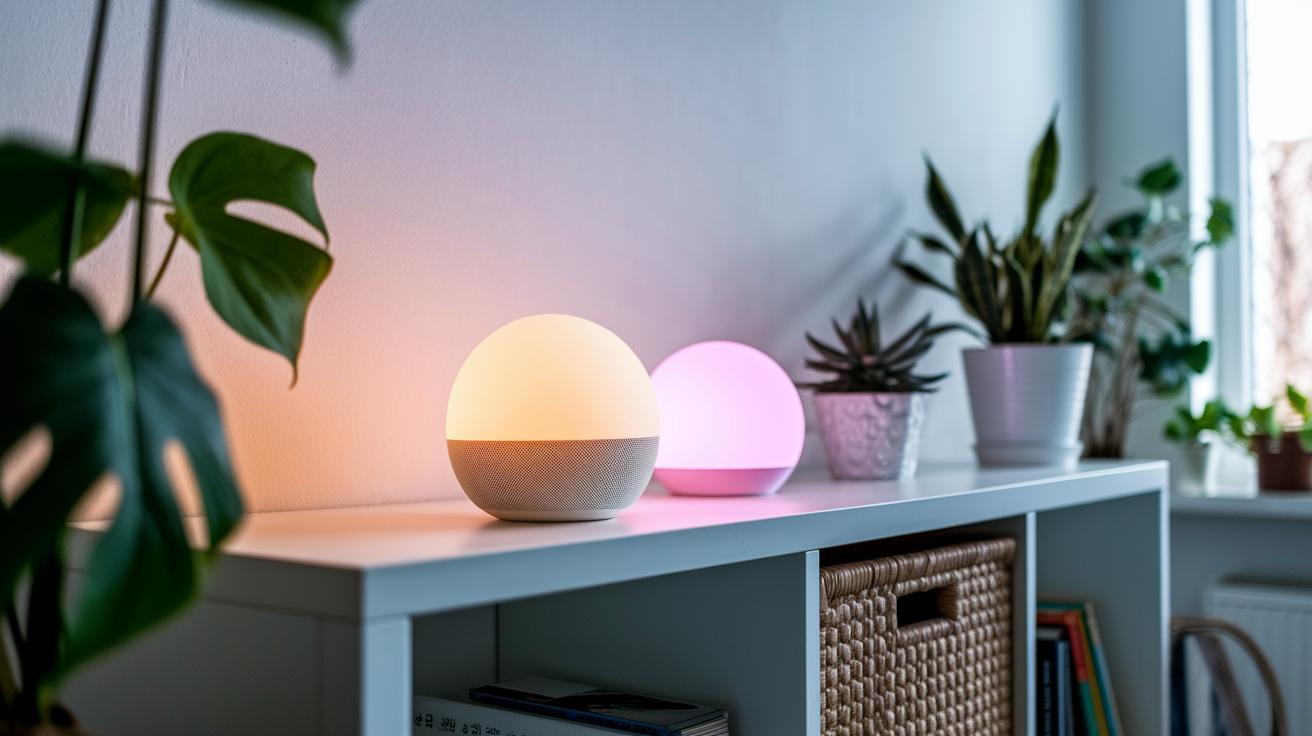
Today’s smart home devices work smoothly together, letting you enjoy handy features without extra fuss. Here, we look at how different voice assistants make everyday life a bit easier.
If you love rich sound, the Amazon Echo is a solid pick with its bold audio and stereo pairing. Meanwhile, the Google Nest Hub 2 works as both a screen for your photos and a streaming device for your favorite shows. Both of these gadgets let you control your routine using just your voice, no need to get lost in technical details like pricing or specs.
What really sets these devices apart is the voice assistant inside each one. The Echo is powered by Alexa, the Nest Hub 2 uses Google Assistant, and Siri fits best if you’re in an Apple world. Picture asking for your day’s update and hearing a quick, friendly answer that just fits your routine.
Intelligent Lighting and Energy-Efficient Bulbs for Modern Homes
Smart home gadgets do more than just make life easier; they also help reduce energy use. One cool fact: some LED bulbs can keep shining for up to 25,000 hours. Fewer replacements mean less hassle and lower costs.
Take the Philips Hue Starter Kit. This kit fills your space with colors, from warm glows to cool whites, and now its mobile app lets you schedule lighting. Imagine setting the lights to ease you into sleep or gently wake you up in the morning. It’s like having a natural light rhythm customized just for you.
Then there are the TP-Link Kasa Smart Wi-Fi bulbs. They’re a budget-friendly option that lets you design your own lighting scenes and tweak light temperatures with a few taps. Plus, you can see real-time energy use so you know exactly how your choices affect your bill.
For more on smart home gadgets, visit https://thetechcrunchy.com?p=142
Security-Focused Home Tech: Cameras and Video Doorbells
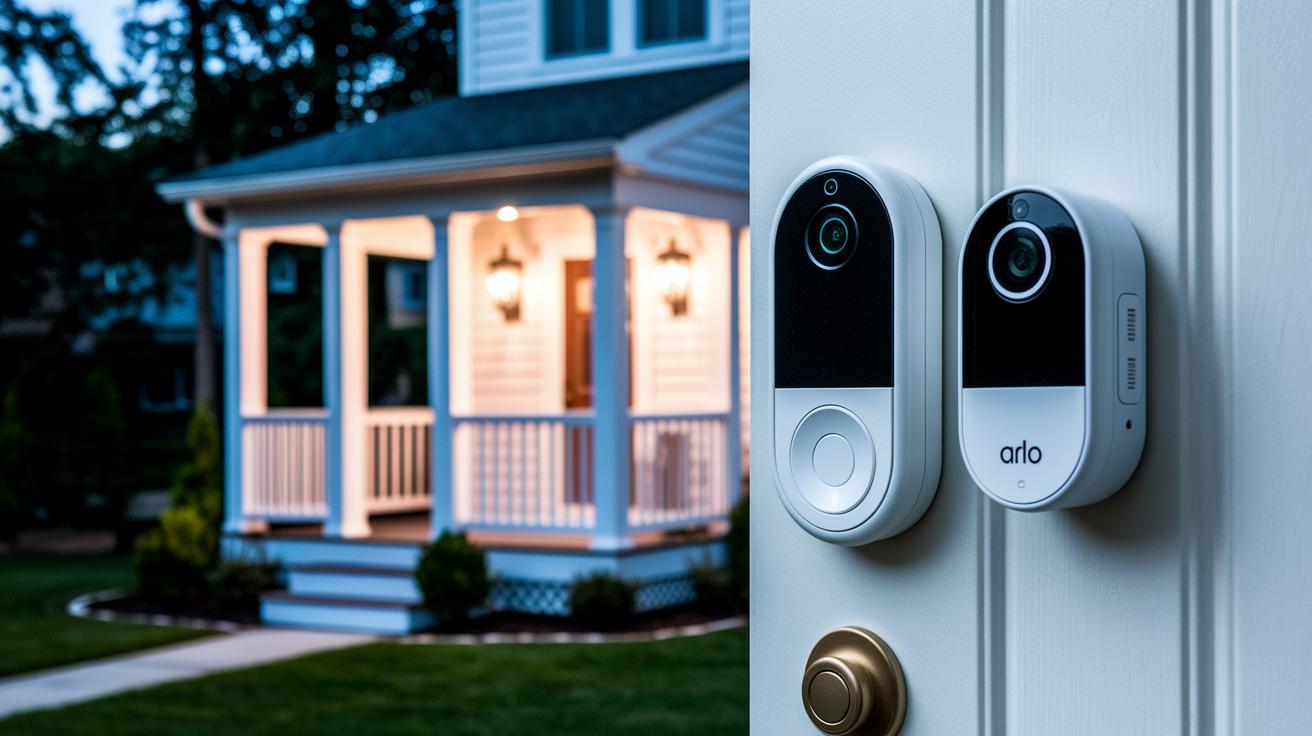
Today, smart cameras and video doorbells help keep your home safe by sending instant alerts and making it easy to check in. For example, the Blink Outdoor 4 runs on just two AA batteries for about two years. It has night vision to brighten dark areas, sends alerts when it detects motion, and offers two-way audio so you can chat with anyone at your door even if you’re away.
The Arlo Video Doorbell 2K takes things further with a crisp 2K picture and a wide 180-degree view, making sure you see every detail at your front door. It even spots packages for you, and its built-in two-way audio lets you easily talk to visitors.
Installation is a breeze. First, mount the doorbell by your entry and set up the camera to cover your yard just right. Then follow the app’s clear instructions to connect everything to your Wi-Fi. Once connected, these devices work well with Alexa and Google Home so you can get alerts and watch live footage without leaving your seat.
- Simple set-up with easy in-app guidance
- Instant alerts to keep you informed
- Works with voice assistants for quick access
Automated Cleaning and Network Connectivity: Robot Vacuums & Mesh Wi-Fi
Today, smart homes work best when cleaning and network care go hand in hand. Some robots can clean almost 1,000 square feet in one run. They vacuum and mop a big space all at once, which saves you time and effort.
Take the Roomba Combo j9+ for example. It combines vacuuming with mopping using deep-scrub rollers. Plus, its Clean Base refills the liquid automatically, so you can easily set up cleaning sessions without extra hassle.
Then there’s the TP-Link Deco XE75. This mesh Wi-Fi system uses tri-band Wi-Fi 6 (a fast, reliable wireless connection) to cover 7,200 square feet. It also has a special backhaul feature that keeps connections steady, letting you manage all your devices from one simple hub.
Buying Guide and Setup Tips for Smart Home Gadgets
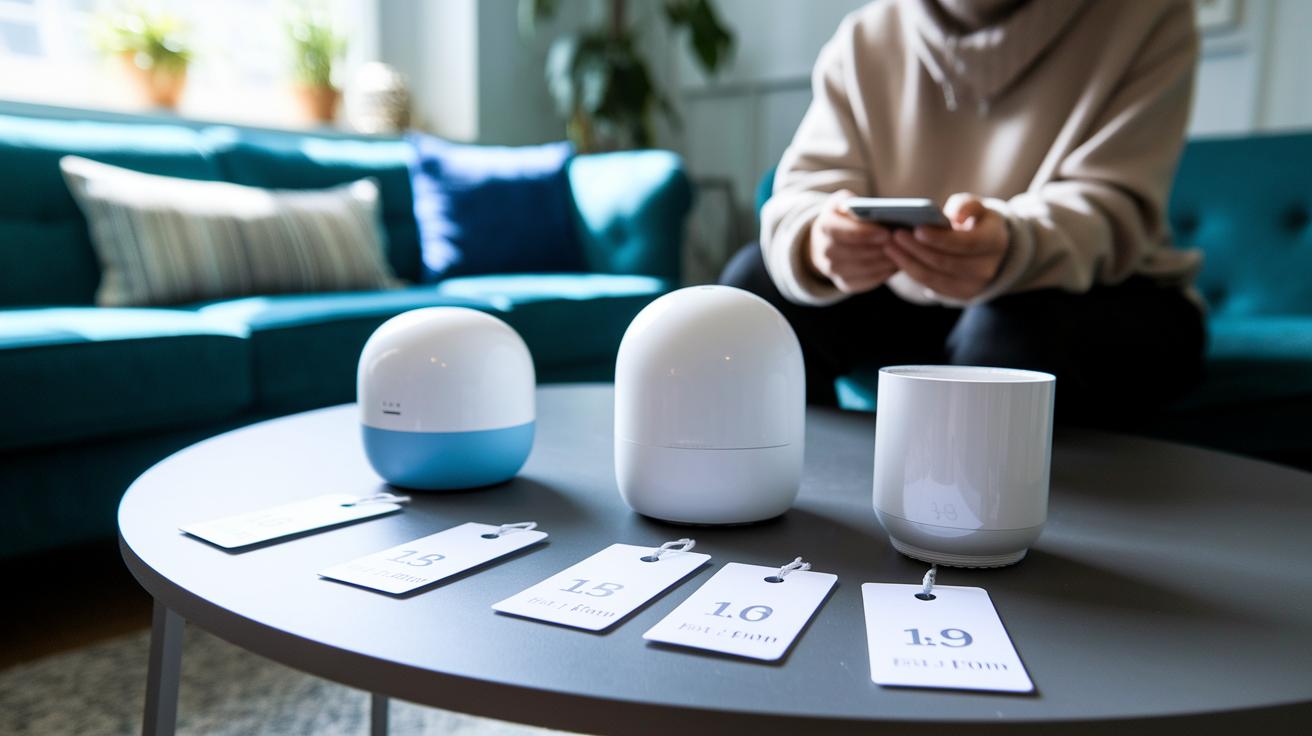
Start by figuring out your budget. There are plenty of choices at different price points. For example, many smart plugs cost less than $50, while cool speakers and smart lights usually run between $100 and $200. More advanced gadgets like displays or robot vacuums often start at $250. Knowing your price range makes picking the right device a snap.
Next, list the systems you already use. Do your current devices work best with Alexa, Google Home, or HomeKit? Making sure your new gadget fits in with your existing setup keeps everything running smoothly, just like matching a game controller with the right console.
Keep your smart home in top shape by updating your gadget firmware regularly. Think of it like watering a garden to keep it thriving. Updates help your devices run well and stay secure. Also, try setting up a dedicated Wi-Fi channel for your smart gadgets. This can make everything feel faster with fewer hiccups.
- Budget levels: Under $50 for plugs; $100–$200 for speakers/lights; $250+ for displays/vacuums
- Double-check compatibility with your current systems (Alexa, Google Home, HomeKit)
- Schedule regular firmware updates to keep gadgets running smoothly
- Protect your network with strong passwords and two-factor authentication
Final Words
In the action, this post broke down major smart home gadgets, from voice-controlled devices and energy-saving lighting to robust security systems, smart cleaning bots, and mesh network solutions. It offered clear comparisons that explain the main features of each device in simple terms. The guide also shared practical tips for setting up a connected home, making it easier to decide which features fit your needs best. Embrace this insight to brighten your home with innovation, enjoy exploring new ways to make life more convenient with smart home gadgets.
FAQ
What are smart home gadgets?
The term “smart home gadgets” refers to devices that use internet connectivity to automate home tasks. These include smart speakers, lighting, cameras, and more to bring everyday convenience.
What are the most popular smart home devices?
This question highlights that the most popular smart home devices include smart speakers, displays, intelligent lighting, security cameras, and cleaning bots—all designed to boost convenience and efficiency.
How do I turn my house into a smart home?
Turning your house into a smart home typically starts with a central hub, adding Wi-Fi-enabled devices like speakers, cameras, and lights, and then connecting them all through a compatible app for seamless control.
Are smart home gadgets worth it?
This question indicates that smart home devices offer real benefits such as enhanced convenience, improved energy efficiency, and better security, making them a solid investment for many households.
Where can I find smart home gadgets and apps for managing them?
The answer suggests checking reliable online sources like leading tech sites and major retailers such as Amazon, where you can review top picks and download the companion apps.