



Ever wonder if a printer could really change your workday? Bambu Labs is getting lots of buzz because users love what they see. Some fans rave about how clear the prints are and how simple it is to set up, while others have a few small tweaks in mind.
We’re talking about three models here: the fast P1S, the tough X1 Carbon, and the reliable A1. In this post, we take a closer look at each one and see if they live up to the praise. Stick around to find out if one of these printers might be perfect for your creative projects.
Bambu Labs Reviews: Stellar User Ratings

Bambu Labs brings you three standout printers: the P1S, the X1 Carbon, and the A1. Each is designed for different needs while staying true to the brand’s promise of quality and ease. The P1S is amazing for crisp prints at lightning speed, especially if you're doing one-color jobs. The X1 Carbon, on the other hand, packs a punch with advanced features like a multicolor printing setup (AMS, which is a system that handles several colors) and smooth remote printing. And then there's the A1, which, after thorough testing post-recall, impresses with a solid build space and a super simple unboxing experience that appeals to both hobbyists and pros.
Each model has its own charm. The P1S offers a smart balance between performance and cost, making it a strong choice when compared to options like the P1P or the X1 Carbon, even though it doesn’t support the full multicolor AMS system. The X1 Carbon stands out as a premium option, letting you print in up to 16 colors, but its higher price tag might give pause if you’re on a tight budget. Meanwhile, the A1 wins thanks to its steady cloud integration, a generous build area of 256×256×256 mm, and an easier AMS Lite set-up, even if it’s not as customizable for high-end tweaks.
Here’s a quick look at what sets them apart:
| Model | Key Features |
|---|---|
| P1S | Impressive print quality; fast for single-color jobs; budget-friendly |
| X1 Carbon | Premium design; supports up to 16 colors; pricier option |
| A1 | Reliable build space; simple unboxing; stable cloud integration; AMS Lite |
Next, we’ll take a closer look at each of these models. Expect friendly, detailed insights about their print performance, ease of setup, and real user experiences that give you a clear picture of which printer is right for you.
Bambu Labs Reviews: P1S Performance and Pricing Analysis
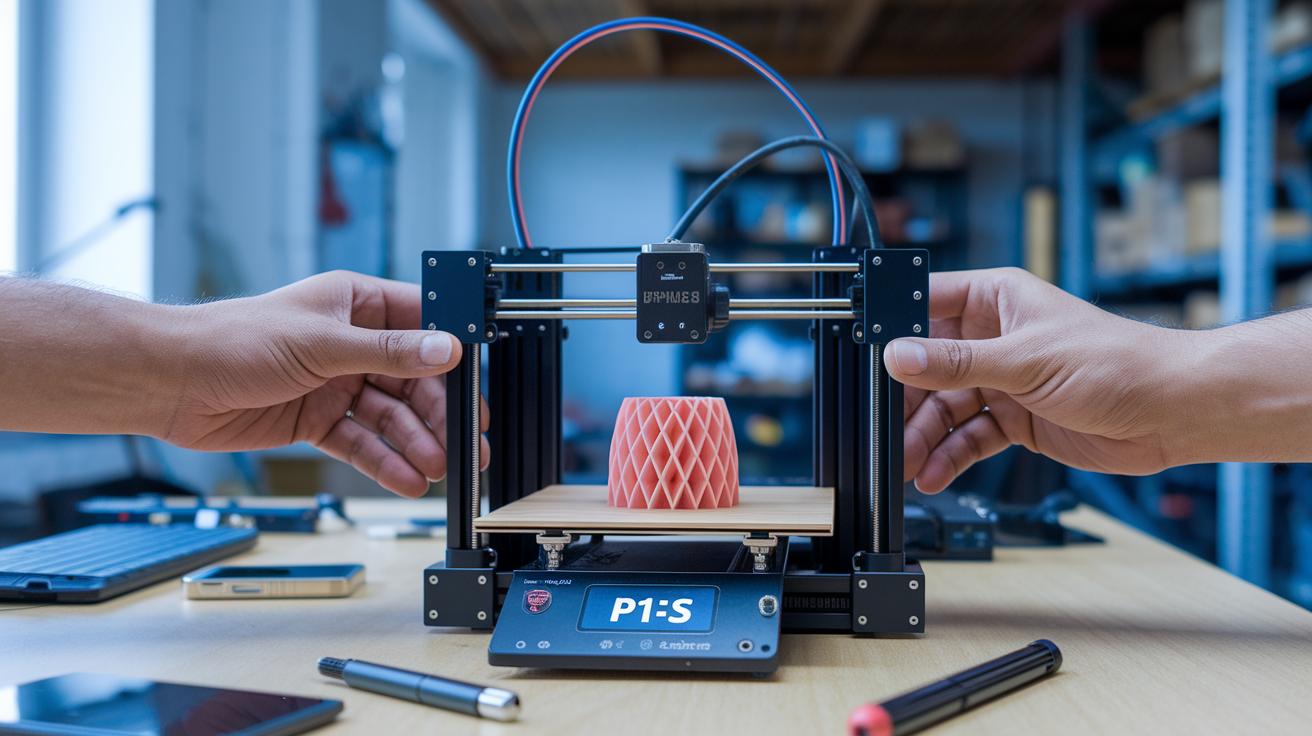
The P1S is built for fast and steady printing. It produces single-color prints that are almost as good as those made by the more expensive X1 Carbon. It can print quickly at speeds of 200–300 millimeters per second for most layers but slows down to around 50 millimeters per second at the start to help the print stick and look neat. This printer is mainly made for PLA (a popular type of plastic for 3D printing) and PETG (a tough, durable plastic). Many users love the easy calibration and smooth mechanics, which help make long print jobs simple and reliable.
The price of the P1S fits well in a mid-range budget, making it attractive to professionals who need good performance without overspending. And here’s a cool update: the P1P version recently dropped by $100. This makes the P1P a great choice if you need basic multicolor printing through its AMS Lite system (a cost-effective way to print in multiple colors). While the P1P gives you entry-level color options, the P1S focuses on giving you faster, more consistent single-color printing. This price difference really shows the trade-off, you get extra color versatility with the P1P or better speed and stability with the P1S.
| Model | Price (USD) | Key Feature |
|---|---|---|
| P1S | (current MSRP) | Single-color speed & consistency |
| P1P | (MSRP minus $100) | Entry-level multicolor via AMS Lite |
| X1 Carbon | (MSRP/$1,499 w/ tariffs) | Flagship 16-color AMS |
If you’re a professional who needs fast prints without the fuss of extra colors, the P1S is a solid pick. Its simple, streamlined design skips the extra steps of multicolor systems while still offering steady, reliable prints. For anyone who values speed and efficiency in single-color jobs, the P1S is a smart, cost-effective choice that helps keep printing workflows smooth and affordable.
Bambu Labs Reviews: X1 Carbon Combo Technical Deep Dive
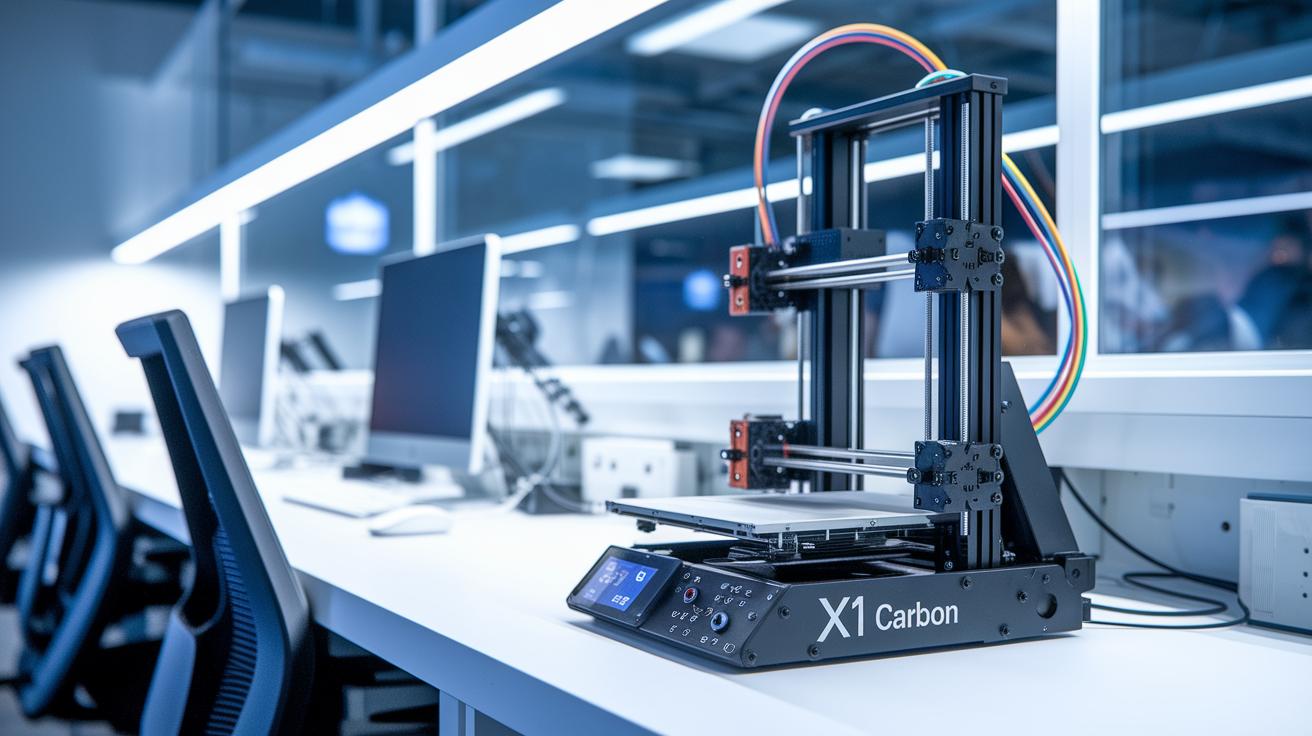
The X1 Carbon Combo is Bambu Labs’ top 3D printer. It’s designed for both hobbyists and pros who want high performance without the fuss. The sleek look and precise construction make it a standout device that really raises the bar for 3D printing.
This printer features a large build space of 256×256×256 mm, so you can easily craft everything from tiny models to big projects. Prices start at $1,199/£1,179 (or $1,499 with U.S. tariffs), and there’s an upgrade option, the AMS Combo, for $1,749.99. The AMS setup uses a single-tube design to smoothly handle up to 16 colors with four smart modules, making it way simpler than older, clunky designs.
Speed and accuracy are at the heart of this printer. It prints most layers at a quick 200–300 mm/s, yet slows to 50 mm/s on the first layers for top-notch quality and adhesion. Inside, you’ll find an advanced tool head with features like sensor-based input shaping (which helps reduce vibrations), auto bed leveling, and a quick-change nozzle system. These smart functions keep the printer working steadily, so you don’t have to jump in constant adjustments.
Multicolor printing is a breeze with its innovative AMS design. Instead of juggling several tubes, the single-tube system effortlessly manages a full range of colors. The four carefully integrated modules work together to produce vibrant prints, making everyday use simpler and solidifying the printer’s place as a leader in user-friendly 3D printing.
Bambu Labs Reviews: A1 Desktop Printer Features and Impressions

The A1 Desktop Printer got a fresh spotlight after a recall test by VoxelMatters. Unboxing it is fun because the bright, color-coded instructions let you finish setup in under an hour, and you can even whip up a pig whistle test print in less than 60 minutes. This recall shows that the printer’s design has been tweaked to be safer and easier for that first run.
The hardware is pretty impressive too. The printer offers a spacious 256mm³ build area and a gold PEI print bed that strongly sticks to PLA and PETG (without needing extra additives). Its advanced tool head, together with the AMS Lite system (which helps manage different materials), easily handles PLA, PETG, and TPU. Recent upgrades now include rubberized clamp feet that keep spools in place, even if they’re nearly empty. Every part of the design is built to be reliable and easy for users of any skill level.
Built-in Wi-Fi pushes the A1 into a smooth cloud setup. It connects effortlessly with Bambu Studio and the Handy app. The Studio app gives you detailed print settings and easy tweaks, while the Handy app turns your daily prints into a simple, almost recipe-like process. This friendly software integration means you can manage prints and check on them remotely with little hassle, whether you’re new to 3D printing or a seasoned pro.
Bambu Labs Reviews: Software and Slicer Performance Evaluation

Bambu Studio really stands out with its easy-to-use setup that works for both beginners and tech enthusiasts. It comes with ready-made settings so you can get started quickly, but also allows you to fine-tune details if you want more control. For example, a prompt like "Adjust layer height to 0.2 mm for improved detail" shows you that even the advanced options are simple to understand. Plus, managing print jobs remotely and using the filament painting tools for multicolor prints round out a strong set of features.
The Handy app makes printing super straightforward and fast. It handles print tasks over a wireless connection, so even a quick job runs without any heavy setup. Imagine tapping through a menu as easy as ordering your favorite snack, fast, familiar, and stress-free. This kind of simplicity makes it a perfect choice for anyone who wants quick results without fussing over complex settings.
Both platforms pack great features, but because they are proprietary, there isn’t much room for open-source tweaks. Firmware updates and occasional upgrades add new features, yet the overall control stays within a fixed system. If you’re someone who loves to customize every detail, this closed setup might feel a bit limiting, even though it does help keep daily operations simple.
Bambu Labs Reviews: End-User Experiences and Feedback
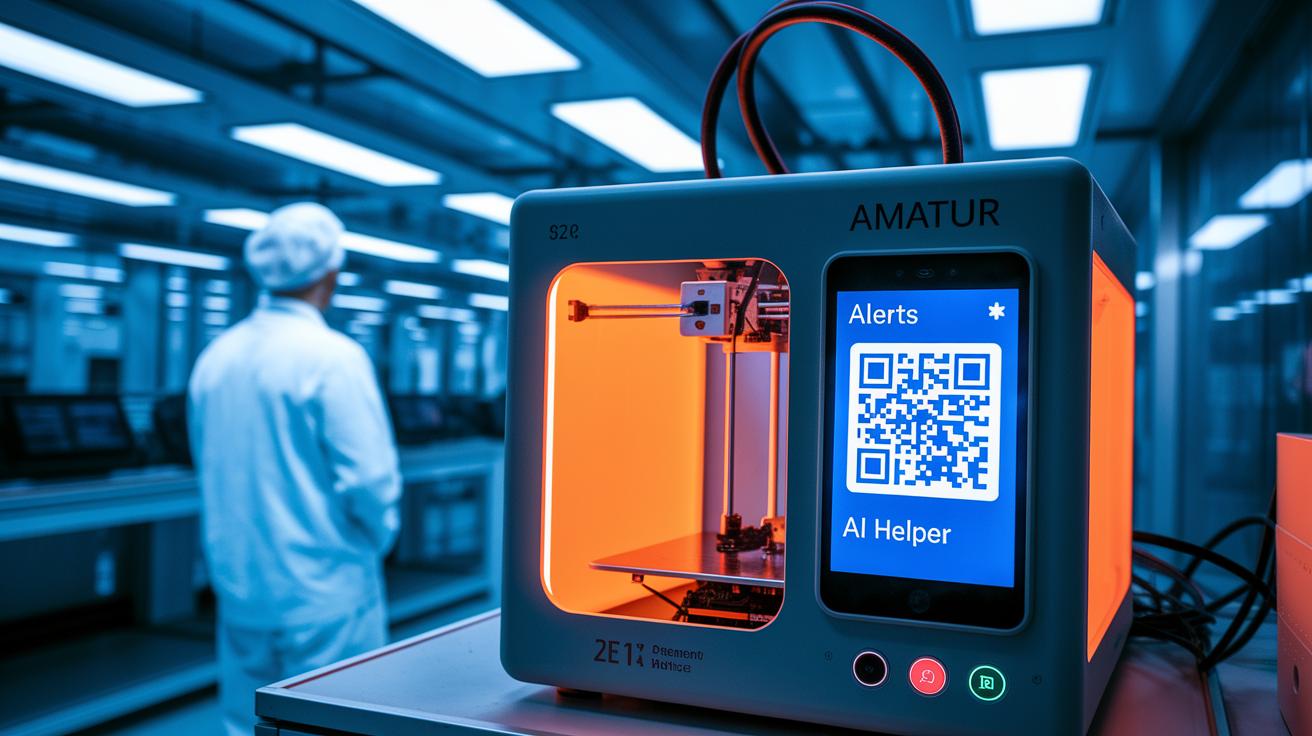
Many users of Bambu Labs printers are happy with their devices. They love how the printers work on their own overnight and keep running smoothly even when you're not around. One person even said it works perfectly, like clockwork, even when they’re away. This kind of trust really boosts buyer confidence.
The printers also come with smart error-handling features that users appreciate. The touchscreen and mobile app show clear alerts if something goes wrong, and QR codes link directly to simple troubleshooting guides. There’s even an AI helper that records messages and walks you through fixing common issues. One reviewer mentioned that this support system made managing unexpected errors during long prints a lot easier.
On the flip side, a few users have raised concerns about long wait times for spare parts, especially for those outside the US and EU. It can be tricky to get replacements when things get busy, and some people have a hard time finding specialty parts locally. These insights point to a key area that could use some improvement, and they offer a real-world view to help future buyers decide.
Bambu Labs Reviews: Comparing Alternatives and Competitor Overview

A few top brands in 3D printing include Creality, Prusa, and Anycubic. Creality is already stirring up buzz with its upcoming next-generation models, while its V2 model stays a reliable favorite. Prusa keeps winning fans with smooth performance and easy-to-use features, and Anycubic offers great value through a range of friendly models. For those on a budget, the Ender series is a solid pick, while the high-end X1 Carbon stands out with premium features and a smart multicolor AMS (automated material system) setup.
When you look at print speeds, support for multiple colors, and build volume, Bambu Labs holds its own. The P1S model prints fast with a steady single-color output, and the flagship X1 Carbon uses a clever AMS system that can handle up to 16 colors. In contrast, printers from Prusa and Anycubic are dependable too, though they can sometimes lag behind in speed and versatility. Plus, Bambu printers offer generous build volumes, so you can handle both detailed and large projects with ease.
Bambu Labs also shines because of its reliable, well-integrated system that works great for both beginners and seasoned users. The company places the P1S just between entry-level models like the Ender series and premium devices like the X1 Carbon. This smart pricing strategy, paired with sturdy hardware and an intuitive software suite, cements Bambu Labs as a competitive and trusted name in today’s 3D printing scene.
Bambu Labs Reviews: Buying Guide and Value Proposition Assessment

When you're checking out a Bambu Labs printer, think about three main things: your budget, the color options you need, and how many projects you plan to do. If you mostly print in one color, a simpler, cheaper machine might be the best for you. But if you need bright, multicolor prints or plan on bigger projects, you might want a model with extra features.
For folks watching their spending, the P1S is a solid pick. It gives you steady one-color printing without the high cost of advanced systems. And if you need a printer that can handle professional-grade color work, the X1 Carbon shines with its AMS setup (an automated system for mixing up to 16 colors). If you're just starting out or enjoy a hobby, the A1 strikes a great balance with its affordable price, spacious build area, and user-friendly design.
Big stores like Amazon and Microcenter often have bundle deals and seasonal discounts. During events like Black Friday, you can snag great prices on Bambu Labs products and even pick up optional support plans to save more over time. This wide range of retail options makes it easier to find something that fits your budget and needs.
Before you decide, check out the warranty details and service plans. The standard warranty covers everyday issues, while extra support can mean quicker repairs and regular maintenance. Plus, keep an eye on firmware updates and hardware upgrades to make sure your printer stays current as your needs grow.
Final Words
In the action, we reviewed P1S, X1 Carbon, and A1 models, noting each printer's striking strengths and a few trade-offs. We explored print speed, pricing details, and setup ease along with user feedback and real-world performance insights.
Every section offered a closer look at cost-to-performance, build volumes, and software simplicity. The overall bambu labs reviews reflect solid performance with a positive vibe for tech fans. Enjoy testing these models as you explore your ideal 3D printing solution.
FAQ
What do Bambu labs reviews on Reddit show?
Bambu labs reviews on Reddit show that users appreciate the printers’ fast setup and quality output, while mentioning slow spare parts delivery in some regions.
What insights do Consumer Reports offer about Bambu labs?
Consumer Reports highlight that Bambu labs printers deliver reliable prints and user-friendly features, making them appealing for both hobbyists and professionals.
What does the Bambu 3D printer lineup include?
The Bambu 3D printer lineup includes models like P1S, X1 Carbon, and A1, each offering a mix of speed, build quality, and unique features for different user needs.
What are the key features of the Bambu Lab A1 3D printer?
The Bambu Lab A1 offers straightforward unboxing, integrated Wi-Fi with cloud connectivity, and AMS Lite for PLA, PETG, and TPU, ideal for entry-level users seeking reliability.
What should I know about the Bambu Lab P1S 3D printer?
The Bambu Lab P1S gives consistent, high-quality single-color prints with fast speeds at a mid-range price, appealing to users who prioritize efficiency and value.
How are Bambu Lab 3D printer prices determined?
Bambu Lab 3D printer prices vary by model and features; budget-friendly options like the P1S contrast with flagship models like the X1 Carbon that offer advanced capabilities.
What do Trustpilot reviews say about Bambu Lab?
Trustpilot reviews show mixed feedback—customers praise print quality and innovative features, yet some express frustrations with customer support and spare parts availability.
Is Bambu Lab a Chinese company?
Bambu Lab is not a Chinese company; it operates independently and focuses on quality, technology-driven manufacturing for its range of 3D printers.
What are common problems with Bambu Lab printers?
Common problems include delays in spare parts delivery outside major markets and occasional firmware update waits, though users still enjoy reliable performance and helpful error alerts.
What is happening with Bambu Lab now?
Bambu Lab is actively refining its printers by incorporating user feedback, improving cloud features, and expanding AMS capabilities to remain competitive and user-friendly.
How does Bambu compare to Creality?
Bambu printers often deliver faster print speeds and advanced color features with AMS support, positioning them as a strong choice against Creality, though each brand offers unique benefits.