


Ever wonder if your phone can finally say goodbye to those plastic SIM cards? With eSIM technology (a digital SIM built into your device), you won't have to fumble with tiny cards anymore. Now, everything is set up right inside your smartphone, so switching networks is as simple as a quick download. It also makes getting started much faster and adds an extra layer of security by removing a possible weak spot. Curious how this neat, built-in upgrade smooths out your mobile experience? Let's dive in and find out together.
eSIM technology in smartphones: Sleek Simplicity Achieved
eSIM is a built-in digital SIM that lives right inside your smartphone. You don’t need a plastic SIM card anymore. Instead, you can switch carriers or activate service with a simple software download. In many new phones, like Apple's iPhone 17, the eSIM is the only option, which means everything sets up quickly and smoothly.
Imagine this: back in the day, changing carriers meant waiting for a new SIM card to arrive. With eSIM, setup is much faster and delays are almost a thing of the past. Whether you’re traveling or switching networks, staying connected is now easier than ever.
This innovation also makes phone designs simpler by removing that extra hardware slot for a physical SIM. It’s safer too, there’s less risk of losing your card or having it cloned. Plus, updates come over the air, so no fiddling with physical parts.
On top of that, eSIM gives you more control over your network settings. It’s a flexible, game-changing way to connect, keeping everything sleek and simple.
eSIM Activation Process and Remote Provisioning on Phones
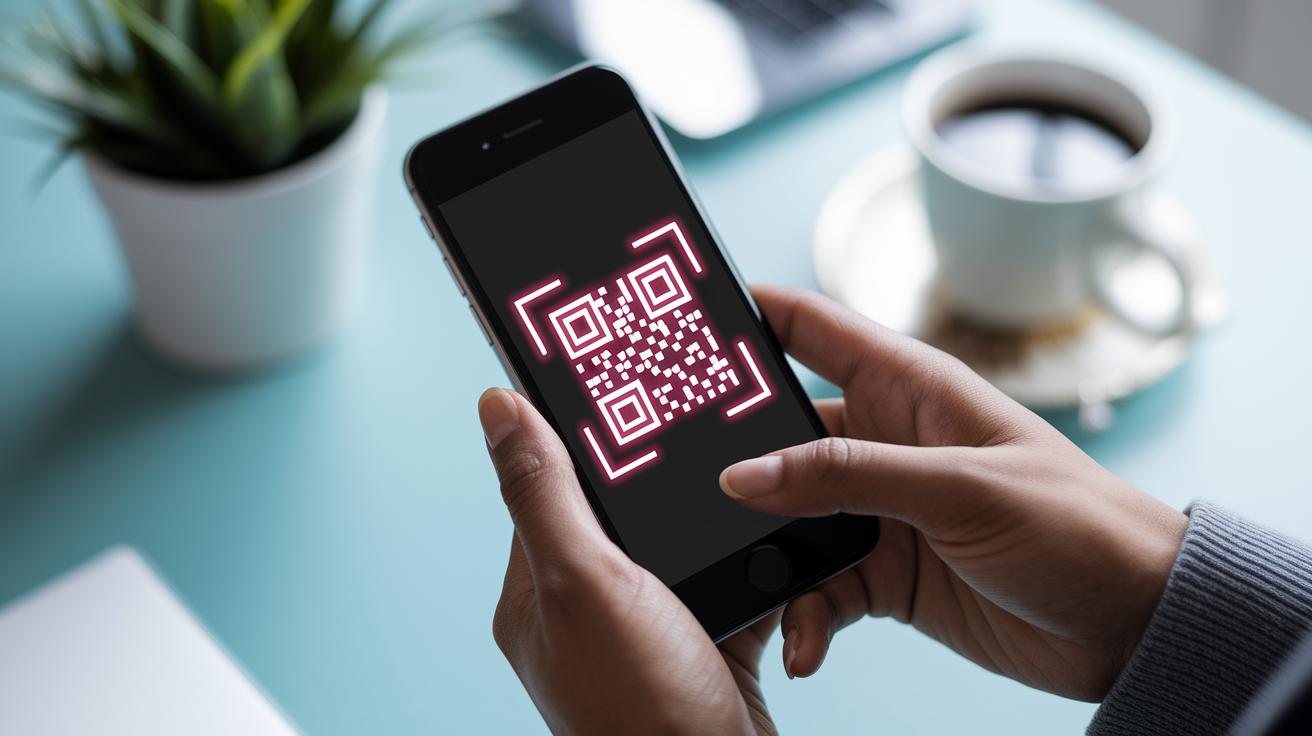
When you buy or upgrade your mobile plan, the first thing to do is scan a QR code your carrier gives you. This code holds the digital SIM info, so scanning it starts an over-the-air setup. Your phone quickly downloads the SIM profile without ever needing a physical card.
Here's a simple tip: after buying your plan, scan the QR code to kick off the activation process, and watch your phone update by itself.
Follow these easy steps:
- Use your phone’s camera to scan the QR code.
- Connect securely to download the digital SIM profile.
- Confirm the installation when the profile is applied.
Most carriers allow only one active eSIM profile on your device unless your phone supports two at once. This setup keeps your digital SIM safe while keeping things quick and simple.
For a clear overview, check out these steps:
| Step | Action |
|---|---|
| 1 | Scan the carrier’s QR code |
| 2 | Download the SIM profile over the air |
| 3 | Confirm installation on your phone |
If you hit any snags or need to reset your SIM profile, just visit your provider’s Help Center. This straightforward process and its clear troubleshooting tips are current as of 18 November 2025.
Comparing eSIM vs Physical SIM Cards in Smartphones
eSIM lives inside your phone, while a physical SIM is a tiny nano-SIM card you can pop in and out easily. This difference really matters when you're switching devices. With a physical SIM, you simply move the card to a new phone; with an eSIM, you'll have to set up a new profile or scan a fresh QR code.
Today, many smartphones let you use both a nano-SIM and an eSIM at the same time. This means you can have two lines working for you, maybe one for calls with family and another for work. Plus, because the eSIM is built in and encrypted, it's tougher for someone to steal your info. But on the flip side, that also means the eSIM is tied to that phone until you change it up.
Switching phones? With a physical SIM, it’s as simple as moving a tiny card; with an eSIM, you'll need that extra step of scanning a new QR code on your new device.
In truth, physical SIM cards make moving between phones super easy, while eSIMs let you change networks without waiting for a delivery or hitting up a store. This side-by-side look helps you decide which option fits your travel habits, security needs, and desire for convenience.
Smartphone eSIM Compatibility and Carrier Support
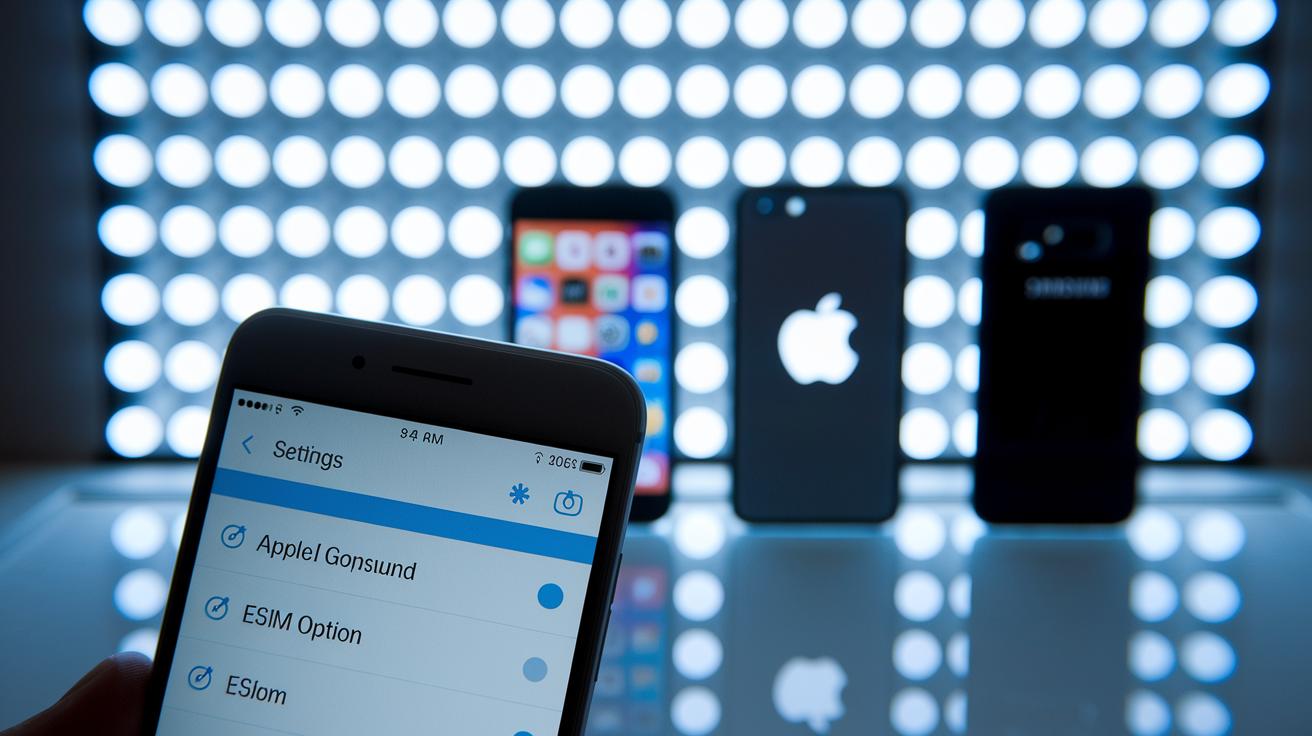
Flagship smartphones like the Apple iPhone 17 (which works only with eSIM), Google Pixel, and Samsung Galaxy are all stepping into an entirely digital SIM world. These phones have a built-in SIM chip, so you can set up your mobile service without a physical SIM card. Just open your phone settings and look for an "eSIM" option. If you see something like "Your settings include an embedded SIM profile," then you’re all set.
Carriers, too, play a big part in how you stay connected. Some providers offer lots of eSIM plans, making it easy to pick up a local plan when you travel. With digital portals on many carriers’ apps or websites, switching between plans is as simple as a few taps. A quick tip: always check which carriers in your area support eSIM by looking in your network settings or asking your provider.
Travelers especially can get a smooth ride by using local eSIM bundles to dodge roaming fees and improve coverage abroad. Here’s a quick guide:
| Step | What to Do |
|---|---|
| 1 | Check your phone’s specs to confirm eSIM compatibility. |
| 2 | Look for eSIM options on your carrier’s app or website. |
| 3 | Find out if your carrier locks the eSIM to your device. |
Understanding your smartphone's eSIM features and what your carrier offers lets you stay connected easily, no matter where you are. Enjoy the sleek design and hassle-free experience that comes with using eSIM.
Leveraging Dual SIM Functionality with eSIM
Dual SIM with eSIM makes it simple to stay connected at home and on the go. It uses a small physical nano-SIM along with a digital profile, so you can handle two phone numbers without any fuss.
This is great for travelers. Keep your regular number on your nano-SIM while adding a local data plan through the eSIM. For example, you might start with your usual number and then scan a QR code to set up a local data bundle, ensuring smooth connectivity throughout your trip.
This setup means you don’t need to swap SIM cards around. It also clears up space inside your phone, which helps it run more efficiently.
Some of the key perks include:
- Easy management of two profiles (like one for work and one for personal use)
- Fast carrier switching when traveling
- A design that boosts overall device efficiency
Plus, some phones even let you run two digital SIM profiles at the same time.
eSIM Security Features and Profile Management
Your eSIM profile sits safely inside your phone’s built-in chip. It’s locked down with encryption, a fancy way of saying your info is well hidden from any SIM-swap fraud or cloning attempts. Even if someone tries to steal your details, it’s almost impossible for them to get through.
A neat QR-code system boosts this security even more. When you scan your carrier’s QR code, it checks your signal and blocks any unauthorized access. Think of it as a digital key that only works when it gets the right signal.
Your network operator can send updates to your SIM settings through a special encrypted channel. They can push changes or new features remotely without you having to lift a finger. It’s a bit like your phone updating its software automatically.
However, some phones with locked settings might stop you from installing an eSIM. So, while the security is top-notch, a few device restrictions might hold back some eSIM features. Overall, strong protection and easy profile management keep your digital life safe and sound.
Advantages and Considerations of eSIM in Smartphones
Many have heard about eSIM perks before, but let’s dig into what makes them stand out from regular SIM cards.
An eSIM takes up no physical space because it’s built right into your phone. This smart design means your smartphone can be thinner and lighter than one with a removable SIM card. But here’s the catch: since the eSIM is part of the phone, it sticks with the handset. Imagine switching to a new phone and having to set up your mobile plan all over again, that’s a hassle you wouldn’t have with a physical SIM.
Some phones only let you use one eSIM profile at a time unless they support dual profiles. Plus, extra limitations from your carrier might reduce what you can do, and if something goes wrong, you might need a new QR code to get things working again.
- Switching phones means you need to reconfigure your eSIM.
- You might be stuck with one active eSIM profile if your device doesn’t support more.
- Carrier restrictions could limit use and require a new QR code during fixes.
Future Trends and Global Adoption of eSIM in Smartphones
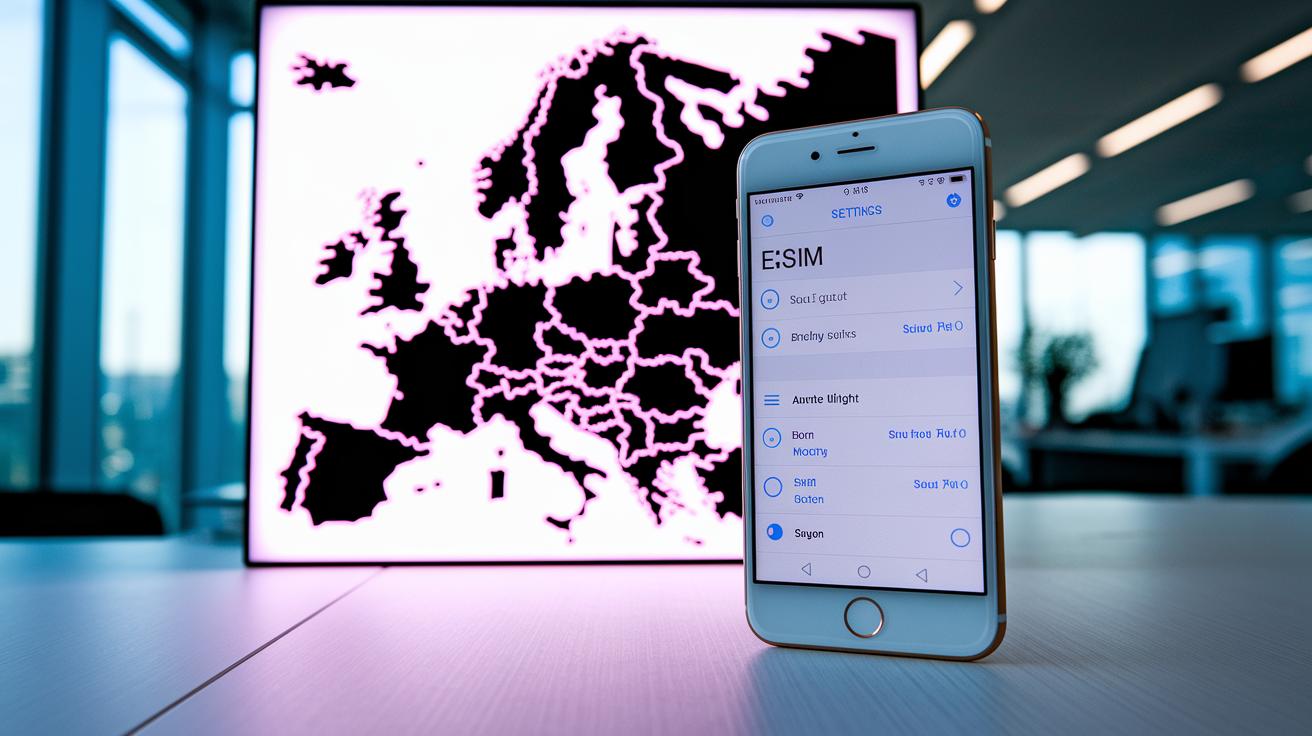
Industry experts expect eSIMs to become the norm by 2027. Apple is already leading the change with its eSIM-only devices, and more Google Pixel users are making the switch. For instance, did you know that Apple’s iPhone 17 uses only eSIM? This setup speeds up network activation and cuts down on delays, marking a clear shift in how smartphones connect.
GSMA standards are moving quickly, which helps mobile networks connect without a hitch. Today, the highest eSIM adoption happens in Europe and North America, where people are already enjoying faster, digital connectivity. And it isn’t just smartphones, think about IoT devices and wearables too. Imagine a smartwatch that sets up its network on its own, just like your phone gets its updates. It feels effortless and smooth.
Another cool development is over-the-air profile updates. Soon, your phone might not only update its software to fix bugs but also adjust its network settings in the background without any extra effort on your part. This remote setup means you stay connected wherever you go, without any hassle.
All in all, experts believe that this mix of evolving technology and worldwide mobile connectivity will change the way our devices interact. The rise of eSIM technology is opening up uses and possibilities well beyond just basic connectivity.
Final Words
In the action, we explored how eSIM technology in smartphones shifts connectivity. We broke down the digital SIM basics, remote activation, and differences with traditional SIM cards. Each section also touched on dual SIM use, secure remote setup, and what the future could hold. These insights help you see how tech is reshaping everyday connectivity and keep you informed for smart choices down the road. Enjoy the ride as digital solutions pave a clearer, simpler path forward with eSIM technology in smartphones.
FAQ
Which phone brands offer eSIM phones?
The phone brands offering eSIM support include Xiaomi, Vivo, Samsung, Realme, TECNO, and POCO. Many of these brands list eSIM-compatible models on their websites, so checking there gives you the latest options.
What is the cheapest eSIM phone?
The cheapest eSIM phone can change with new releases. Recent reviews and carrier listings will guide you to affordable models that fit your connectivity needs without breaking your budget.
What technology does eSIM use?
The eSIM uses digital SIM technology built into your smartphone. It functions by downloading and storing your SIM profile over the air, replacing the need for a physical plastic card.
What is the disadvantage of eSIM?
The disadvantage of eSIM is that its profile is tied to one device. This means switching phones requires a new setup, and carrier restrictions may limit easy transfers between devices.
How do eSIMs work on phones?
eSIMs work by allowing your phone to download a SIM profile using a QR code from your carrier. This process sets up network access remotely, streamlining your connection without a tangible card.
Which phones have eSIM technology?
Phones with eSIM technology include many flagships from Apple, Google, and Samsung. Checking your device’s settings or specifications can help you confirm if it supports eSIM connectivity.