



Have you ever wondered if your medical alert device really keeps you safe without any hidden fees? We checked out 14 top companies to highlight honest prices and trustworthy service. Whether you prefer a one-time fee or a monthly plan, our review cuts through the clutter to show you clear choices that cover your everyday safety needs without surprises. Ready to pick a provider that suits your budget and lifestyle? Keep reading to find the one that really stands out.
Comprehensive Comparison of Medical Alert Device Reviews
We looked at 14 different companies, checking how clear their costs are. We focused on one-time prices, monthly fees, whether they explain costs clearly, and if they offer flexible plans. This way, you can quickly see which provider offers true value, no hidden fees or tricky charges here.
Our goal was simple: help you find a long-lasting, budget-friendly option. We checked each company based on real needs like emergency help, set-up costs, and different payment plans. This means every option we spot is designed to meet your everyday safety needs without any nasty surprises.
- MobileHelp: This company offers an in-home cellular system that works up to 600 ft. You pay a one-time fee of $49.95, and there's a $15 shipping fee (but you don’t pay shipping if you select a prepaid plan). The monthly cost comes to $19.95.
- Bay Alarm Medical: They offer an in-home system without any start-up fees. You just pay a $9.95 shipping charge, and you even have the option to get a mobile device for $99.
- QMedic: They keep things very simple with an annual plan where there’s no extra charge for the device, activation, or shipping. Their pricing is as clear as it gets.
- Medical Alert: This option gives you both landline and cellular in-home systems, with no fees for the device or activation. The shipping fee is $15.50, though it’s waived if you sign up for extended plans.
- Alert1: They offer five different device options with prices that stay at or below the industry norm. There’s an activation fee of $19.95, but that fee goes away if you prepay for 10 months.
Compared side-by-side, it's clear that each top provider values simple, upfront pricing. You’re free to decide which medical alert system fits your lifestyle and budget best. All of these options work well for both home use and on the go, making sure you get help quickly, without any extra costs down the road.
In-Home vs Mobile Medical Alert Device Reviews: Coverage and Portability
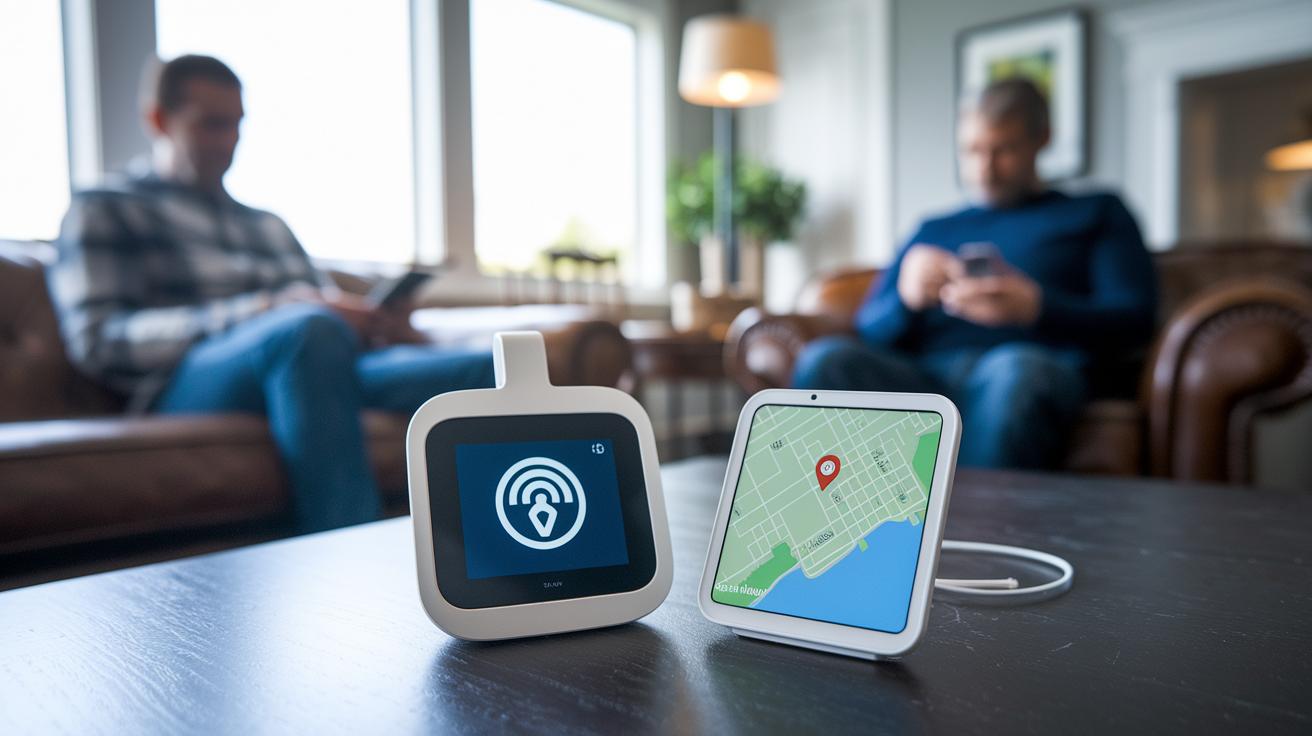
In-home alert systems are designed for those who mostly stay at home. They come with a base station and a wearable pendant. The gadgets work within a range of 300 to 600 feet and have a battery backup that lasts about 30 hours. You usually pay around $25 to $45 a month. For example, MobileHelp Classic and Bay Alarm in-home are popular choices because they offer strong connectivity without a complicated setup.
Mobile alert systems are built for people on the go. They use GPS, so help is handy wherever you are. These devices often need a one-time fee of about $99 to $299, and monthly plans run anywhere from $24.99 to $80. Options like RescueTouch and the UnaliWear Kanega watch may even include fall detection to help keep you safe. GreatCall Lively Mobile is another option if you’re looking for something that fits an active, everyday lifestyle.
Each type of system is made for different needs. Whether you’re at home or out and about, you can trust that help is never far away.
Medical Alert Device Reviews: Affordability and Fee Structure Analysis
When you shop for a medical alert device, you'll notice there are three main fees: a one-time activation fee, a shipping fee, and a monthly charge. Some companies help you save money by skipping one or more of these fees. For example, Bay Alarm Medical and QMedic don’t charge an activation fee. Other companies might have a one-time fee, but prepaid plans can often waive it. Think of it like a prepaid phone plan where over time, those fees simply disappear.
| Device | Activation Fee | Shipping Fee | Monthly Cost | Range |
|---|---|---|---|---|
| MobileHelp | $49.95 | $15 | $19.95 | 600 ft |
| Bay Alarm Medical | $0 | $9.95 | $19.95 | 600 ft |
| QMedic | $0 | $0 | $24.95 | 600 ft |
| Medical Alert | $0 | $15.50 | $29.95 | 600 ft |
| Alert1 | $19.95 | $0 | $29.95 | 600 ft |
Checking these fees side by side makes it easier to plan your budget. Here’s what to keep in mind:
- Look for plans with no activation fee to lower your upfront cost.
- Compare options that waive shipping or activation fees, especially if you choose a prepaid plan.
- Notice how small differences in fees can add up over time when you review monthly expenses.
This clear view helps you balance the initial cost with ongoing payments, making it simpler to choose the best option for your needs.
Medical Alert Device Reviews: Fall Detection, GPS, and Safety Features
These devices are all about keeping you safe by quickly spotting falls and tracking your location. Manufacturers mix smart fall detection with dependable GPS tracking (a system that pinpoints your spot) so that help arrives fast when you need it most. Some gadgets charge extra for fall detection, while others include it in their main design.
Here are a few picks that do a great job of alerting you right away and keeping track of where you are:
- MobileHelp: This device has a sturdy backup battery that sends alerts almost instantly in emergencies and keeps basic location data connected.
- Bay Alarm: It comes with an extra pendant for fall detection that goes with its system and uses typical GPS tracking methods.
- Medical Guardian: Here, fall detection is available for an extra fee, and you also get solid GPS tracking to know your exact spot.
- UnaliWear Kanega: Made like a smartwatch, it has fall alert features with built-in GPS, although sometimes the accuracy may flicker.
These choices show why mixing fall detection with solid GPS tracking is so important. Every device here is unique, so your best pick depends on what you need for real-time safety alerts and reliable location tracking.
Medical Alert Device Reviews: Ease of Use, Setup, and Interface
When picking a medical alert device, ease of use really matters. You want a system that's simple to set up and operate so you can relax. A quick installation and a clear, user-friendly interface make you feel safe without any extra hassle. It’s a bit like setting a digital clock – easy and dependable.
Bay Alarm Medical In-Home grabs your attention with its plug-and-play setup and a big, waterproof pendant you can’t miss. MobileHelp Classic keeps things simple with cellular pairing, a large help button, and a 30-hour battery backup to keep you connected. Aloe Care Health stands out by offering a smart hub that checks air quality and motion while letting you talk hands-free. WellBe Medical Alert Plus mixes in smart speaker support with a handy app that sends reminders. And LifeStation Sidekick Smart brings alerting into the modern age with a smartwatch style, Wi-Fi connection, built-in pedometer, and heart-rate monitor.
For anyone looking for a device that’s quick to set up and easy to use every day, these options offer reliable and straightforward solutions so you can focus on staying safe.
Medical Alert Device Reviews: User Testimonials and Reliability Ratings

Users share their real-life stories, showing off each device's unique perks and a few hiccups along the way. Their honest reviews help us see how these tools really work during emergencies.
Bay Alarm Medical shines with a quick 12-second response time. People love its clear messages and steady connection. Medical Guardian also earns praise for its 24/7 support and a companion app that makes users feel safe round the clock. LifeStation gets points for offering an affordable in-home option, though some note that extra fees and a clunky website can be a drag. And RescueTouch? Many users enjoy its consistent, reliable cellular signals whether they're in the city or out in the country.
Altogether, these testimonials show that while every device has its own strengths and minor glitches, each provider is dedicated to being there when it counts. Users highlight that clear pricing, friendly support, and solid connectivity are what really matter in a medical alert system.
Medical Alert Device Reviews: Cost Transparency and Long-Term Value
When you look at these devices, you need to see all the costs upfront. You compare one-time fees, monthly charges, and different payment plans. For example, QMedic scores a perfect 10/10 on transparency because it offers an annual plan with no hidden costs. This makes it easier for you to plan your budget since you know exactly what you're paying.
| Device | One-time Fees | Recurring Fees | Cost Transparency Score | Payment Options |
|---|---|---|---|---|
| QMedic | $0 | $24.95/mo (annual) | 10/10 | Annual |
| MobileHelp | $49.95 | $19.95/mo | 9/10 | Monthly, Quarterly, Annual |
| Medical Alert | $0 | $29.95/mo | 9/10 | Monthly, Semi-Annual, Annual |
| Alert1 | $19.95 (waivable) | $29.95/mo | 8/10 | Flexible with prepayment |
| Medical Care Alert | $0 (shipping $12, waivable) | Varies | 9/10 | Monthly (price lock) |
When you see a breakdown like this, it makes it a lot easier to compare what you really pay over time. You get both the upfront fees and the ongoing costs together with special perks like price-lock guarantees. This way, budgeting becomes simpler and there are fewer surprises when you choose a device.
Medical Alert Device Reviews Buying Guide: Selecting the Right System for You

When you're picking a medical alert device, take a moment to think about your daily habits and living situation. Are you mostly at home or often out and about? That simple answer can steer you toward the system that fits your lifestyle.
Next, focus on the features that really count. You might look for reliable fall detection, accurate GPS (a tool that tracks your location), a waterproof design, and alerts that match your needs. Plus, devices with caregiver integration (linking to a loved one or helper) can add an extra layer of reassurance.
Then, check out the different coverage plans available. Some systems work best indoors, while others are geared for when you’re on the go. It’s a good idea to look for Medicare or AARP discounts, free trial offers, or options without extra fees to keep things simple.
Also, take a good look at the cost details and contract terms. Know what the monthly fees are, if there are any one-time setup costs, and how long the contract lasts. Flexible payment or prepay plans can help you balance everyday expenses with your need for safety.
In the end, choose a system that fits both your budget and your unique requirements. A handy comparison chart, listing features like fall detection, GPS, waterproofing, and overall coverage, can make the decision easier. Making an informed choice will help you feel safe and supported every day.
Final Words
In the action, we compared top medical alert devices by examining fee structures, safety features, and ease of use. We broke down important details like cost transparency, device functionalities, and user satisfaction.
Each section offers a close look at affordability, connectivity, and performance, giving you a clear path ahead. Our guide simplifies the complex world of medical alert device reviews, allowing you to feel confident in your choice. Enjoy making smart, informed decisions with the insights shared here.
FAQ
What is Medical Guardian?
Medical Guardian is a service that offers emergency help for seniors by connecting them to quick response teams. It provides a reliable way to get immediate support when unexpected situations occur.
How do medical alert systems for seniors without monthly fees work?
These systems typically charge a one-time fee for equipment instead of a recurring monthly cost. They still offer essential emergency alerts and basic monitoring, making them a budget-friendly option for seniors.
What are wearable medical alert devices?
Wearable medical alert devices are small gadgets, like pendants or bracelets, that seniors can wear to quickly send an alert. They often include features like fall detection and GPS tracking for better safety.
What are the best medical alert systems with fall detection?
The best systems feature built-in sensors that automatically sense when a fall occurs and notify emergency responders. They combine reliable fall detection with immediate assistance, enhancing seniors’ safety during critical moments.
What do Medical Guardian reviews generally say?
Medical Guardian reviews praise its responsive support team and clear, user-friendly interface. Many users find that the extra features, such as assisted fall detection, add valuable peace of mind despite the additional service fees.
What are some of the best medical alert devices available?
The best medical alert devices blend affordability, ease of use, and vital safety features like fall detection and GPS. They offer various plans to suit different living situations, ensuring seniors receive the help they need.
What insights do Consumer Reports offer on medical alert systems?
Consumer Reports provides clear comparisons based on fees, reliability, and performance. Their evaluations help users find systems with transparent pricing and dependable emergency response times for enhanced safety.