

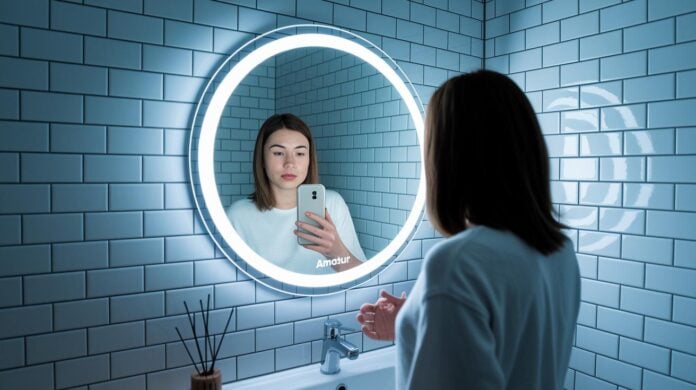

Ever thought your mirror could do more than just show your face? Picture a mirror that tells you the time, gives you a quick weather check, and even serves up news updates as you get ready. It blends classic design with today's tech, making your morning routine a little more fun. It’s like having a tiny assistant on your wall, ready to share useful info at a glance. And with smart gadgets popping up in every room, this clever mirror shows how style and function can work together perfectly.
Essential Features and Benefits of Smart Mirrors
Smart mirrors mix an old-fashioned mirror with fresh digital data. They don't just reflect your image, they also show you live updates like time, weather, and news. Built with a Raspberry Pi running Magic Mirror 2 (a software that works with Node.js), these mirrors add a little magic to everyday routines. Imagine your bathroom mirror displaying the local weather; it's a cool twist on what you thought was possible.
They use a special two-way mirror with a display behind it, letting just enough light through for bright, clear images. Some even use AI-powered surfaces (intelligent screens that learn from you) to recognize faces and adjust settings on the fly. And if you've got a touchscreen mirror, you can swipe through your schedule or play media right there on the screen.
Voice commands add to the ease, so you can ask for news headlines or change the lighting without even touching the mirror. Plus, sensors in the mirror adjust brightness and contrast to fit the room's light, making the display look just right, no matter the time of day.
What makes these smart mirrors really fun is how you can customize what you see. You choose which feeds show up and even control smart home gadgets from the mirror. This blend of digital controls with a simple mirror creates a friendly, modern helper that fits right into any room, changing how you tackle your daily routine with a mix of familiarity and forward-thinking tech.
Comparing Smart Mirror Models: Specs, Features, and Pricing
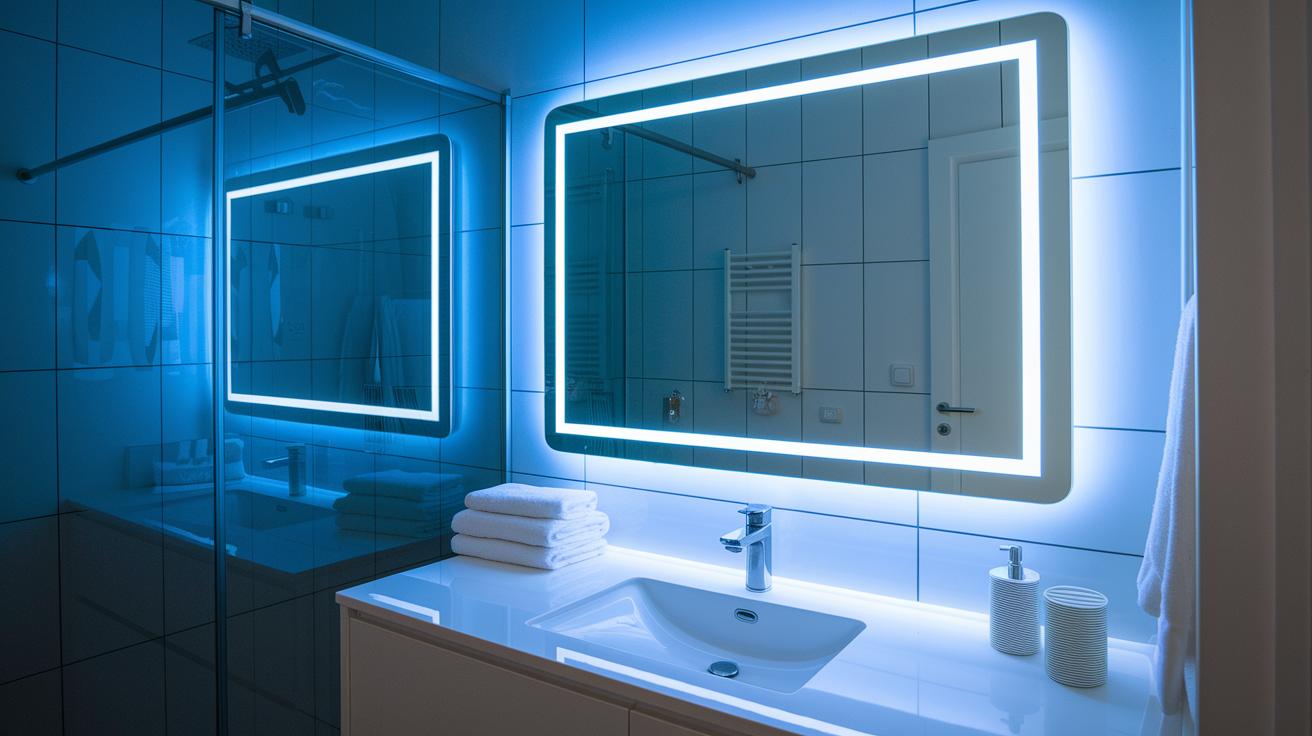
Smart mirrors are cool additions to your tech life. They blend style with function and come in many types, from budget-friendly options to fancy models with crisp images and smart controls. When you shop for a high-tech mirror, you'll notice differences in size and clarity. This not only changes how you enjoy your reflection but also boosts your room's vibe.
Some mirrors even have Bluetooth built right in so you can stream your favorite tunes effortlessly. And many of them let you control settings from your phone over Wi-Fi, making them super handy. It’s like having a mini smart display right above your sink.
You can also enjoy wireless screen casting, which means you can share media from another device without any messy cables. If you keep updating your mirror with apps, make sure it stays compatible with the latest software. Prices vary widely, from about $200 for a basic mirror to over $1,000 for high-end models with extra sensors and lighting. Checking the brightness (measured in nits) and resolution helps you pick one that works best for your space.
| Model | Display Size | Brightness (nits) | Price | Connectivity |
|---|---|---|---|---|
| MirrorX Basic | 21.5″ | 400 | $200 | Wi-Fi, Bluetooth |
| ReflectPro | 24″ | 600 | $450 | Wi-Fi, Bluetooth, Wireless casting |
| LuxMirror Elite | 27″ | 800 | $900 | Wi-Fi, Bluetooth, App-enabled |
| SmartGlow | 30″ | 1000 | $1,200 | Wi-Fi, Bluetooth, Screen casting, Voice control |
Each mirror fits different budgets and needs. If you want something that blends well with your other gadgets, choose a model with mobile-controlled tech. This way, your home becomes a bit smarter and your everyday routine even cooler.
Building Your Own Smart Mirror: Hardware Components and Prep
Reusing an old TV can be a fun, hands-on project. Start by picking a see-through two-way mirror that fits your TV screen perfectly. When you place the mirror right in front of a display, you get a neat combo of your reflection with live data peeking through. It’s like catching a glimpse of the future right in your living room.
For the brain of the project, go with a Raspberry Pi kit. You can choose the CanaKit Raspberry Pi 5 Starter Kit PRO or the Vilros Raspberry Pi 5 Starter Kit MAX. Both come with everything you need: a microSD card preloaded with Raspberry Pi OS, an HDMI cable, a power supply, and a case. If you prefer a slimmer design, the Raspberry Pi 3 Model A+ is a smart pick. Ever wonder how something so small can kick off big ideas? It all starts with that tiny board.
Next, think through your power needs. Use a micro USB for the Raspberry Pi and a USB-C for the display, or even better, find a dual-output option that runs both smoothly. And don’t forget a 90-degree HDMI cable, which keeps the display snug against the mirror. Little details like these really polish the final look.
Before you start putting things together, grab your tools and materials. You’ll need a drill to make eight mounting holes (each 3 mm wide and exactly 15 mm from the edge) in your mirror or acrylic stack. Mount the display on a black card, trim the border just 1-2 mm smaller than the display area so no light seeps out. Finish it off by securing all components with a single layer of 50 mm duct tape, which helps keep everything in place and gives your setup a clean, smooth finish.
Take your time planning each step, and you’ll have a smart mirror that not only looks cool but also ups your tech game. Enjoy the process and the unique, personal tech twist you’re bringing into your space!
Smart Mirror Software and Customization with Magic Mirror 2
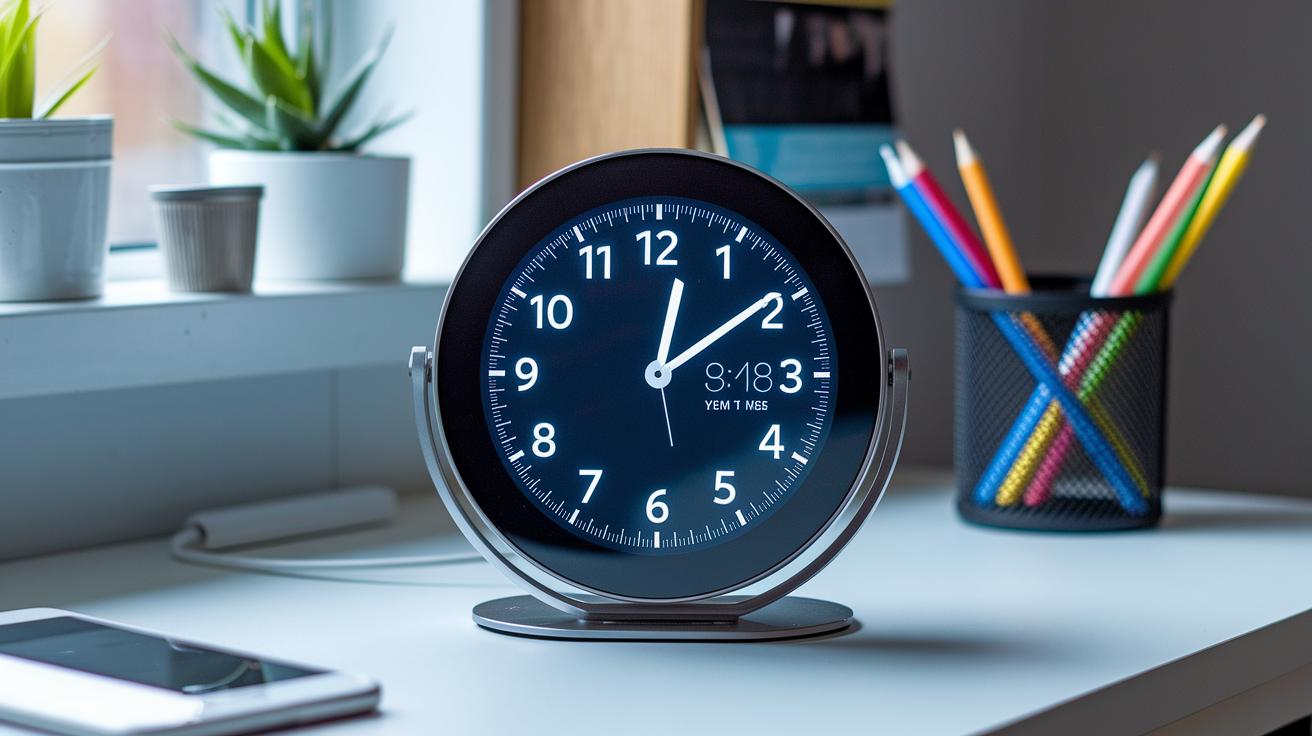
Magic Mirror 2 uses Node.js, making it a friendly choice for anyone looking to add smart features to a reflective device. Setting it up on your Raspberry Pi is simple, especially when you use PM2 to enable kiosk-mode full-screen so that it starts on its own. It's almost like watching your mirror greet you each morning!
You only need one file, config.js, to adjust everything. Think of it like a recipe where you mix in your favorite modules such as weather (which needs API keys), clock, calendar, and RSS news feeds. You simply add or remove ingredients as needed to perfect your digital display.
There’s a vibrant community behind this too. Many developers have made cool modules for voice and facial recognition, along with home automation features that let your mirror control other devices. Updating is just as easy with Git or npm, keeping your setup fresh with the latest improvements.
This smart mirror app works on many systems and offers strong API support, letting you control everything, from brightness to which modules appear. It’s not just a tool; it becomes a key part of your connected lifestyle.
Installation Best Practices for Smart Mirror Setups
We’ve already talked about basic alignment and mounting in the hardware prep section, so here are some extra tips to upgrade your setup.
Keep your cables neat by doing more than just laying a 90-degree HDMI cable flat. Try using sticky cable clips or a slim cable channel to guide your wires along the mirror’s edge. For instance, you can stick small clips on the back of the frame to hide your HDMI and power cords, keeping everything tidy and out of sight.
Look into different mounting options that let you make small changes after the mirror is up. Adjustable brackets can help you fine tune the mirror’s position to match perfectly with the display. For example, sliding brackets let you adjust things a little bit until the balance feels just right without needing to start over.
Pay attention to airflow and light issues, too. Make sure there’s enough space or ventilation holes in the frame so air can circulate, and consider adding a small USB fan if the mirror gets too warm during heavy use. A USB-powered fan tucked away near the back can help cool things down when needed.
Lastly, keep an eye on bright external lights. Adjust the mirror’s angle slightly to cut down on glare from windows or other light sources so the display stays clear and easy to see.
Troubleshooting and Maintenance of Smart Mirrors
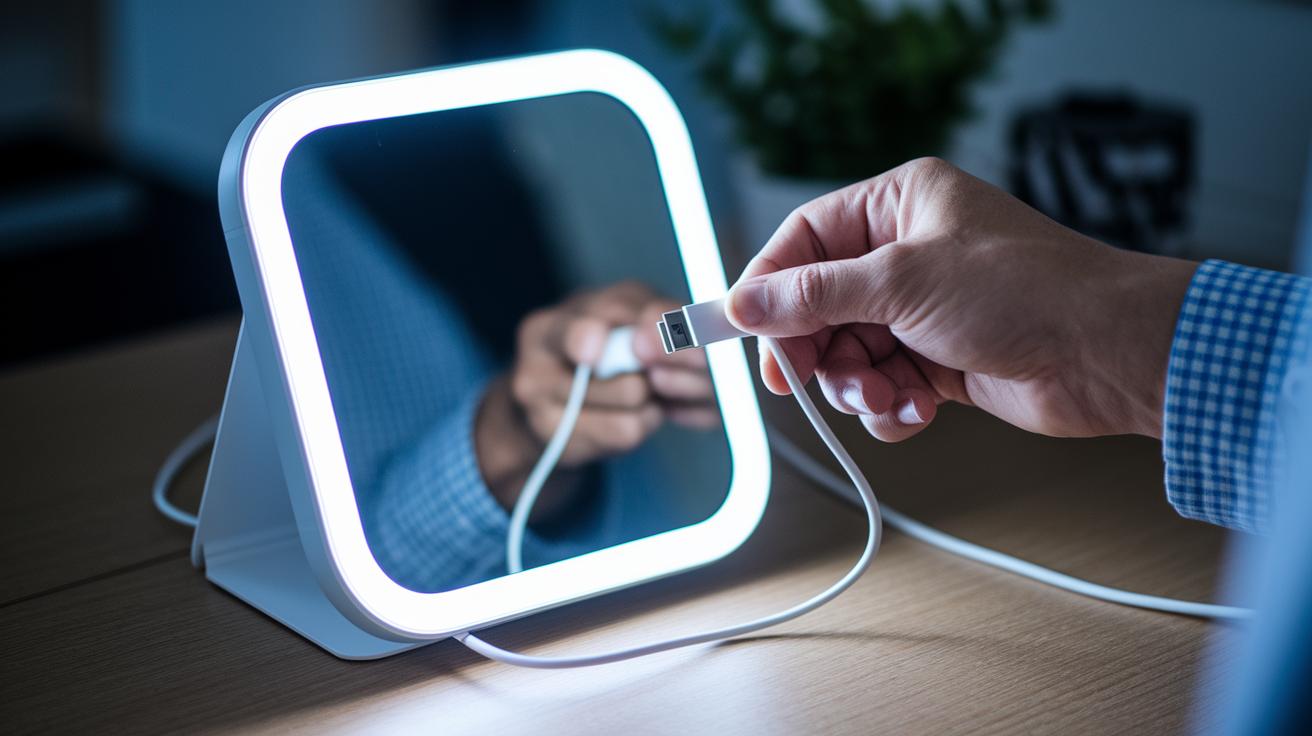
When your smart mirror acts up, it’s often a quick fix. Try checking the usual spots first.
If the screen stays dark, it might be because the microSD OS image (the software on the card) is outdated or there’s a loose power connection. Take a moment to look over the microSD card setup and the wiring. It could be as simple as reconnecting a cable.
And then there’s the HDMI issue. If the signal is missing, the 90-degree cable may not be seated properly. Check the cable to ensure it lies flat against the unit and holds securely. Sometimes, software parts just won’t load. When that happens, glance at the PM2 logs (files that track software activity) and the config.js file for any missing API keys or signaled errors.
Regular firmware updates using Node.js and npm (tools that help keep your mirror’s software fresh) help maintain a smooth, secure display. This update process adds features and fine-tunes performance without too much hassle. Plus, using energy-saving modes can cut power usage when the mirror isn’t in use, which helps the device last longer.
Lastly, don’t forget the basics. Dust the mirror often, and check the seals to keep moisture or debris at bay. If your mirror has a voice assistant, test a few commands now and then to make sure it stays responsive and friendly.
Routine troubleshooting and a bit of regular care go a long way in keeping your smart mirror running smoothly and safely.
Future Trends in Smart Mirror Technology
Imagine a mirror that helps you try on new looks using augmented reality (digital overlays that add extra information to what you see). Picture checking your reflection and seeing suggestions for outfits or accessories right on the spot.
Many upcoming smart mirrors are built with modular upgrades, so you can swap parts as technology gets better, just like updating your smartphone. This means your mirror can keep up with the latest features without having to replace the whole unit.
Eco-friendly glass is also on the rise. Soon, you might see mirrors with low-energy LED backlights and materials that are kinder to our planet, all wrapped in a simple, modern design that feels fresh and clean.
And there’s more. Smart mirrors could soon link up with your other devices (the Internet of Things, or IoT) to offer features like facial recognition. This means the mirror might show personal updates depending on who’s looking.
Further Reading: tech gadgets for home
Final Words
In the action, we explored the core features and benefits of a smart mirror, from its interactive display to voice control. We compared models, examined DIY projects, and shared the steps for a smooth setup and ongoing maintenance. We also glanced at future trends, pointing to even more personalized, connected designs ahead. It’s exciting to see how a smart mirror is helping everyone keep up with new tech solutions while adding a modern twist to our daily routines. Enjoy the innovations that lie just ahead!
FAQ
What can a smart mirror do?
The smart mirror fuses a traditional reflective surface with a digital display. It shows time, weather, news, and updates while allowing interactive control via voice or touch, making it a handy daily companion.
How does the smart mirror app work?
The smart mirror app controls digital overlays and settings, displaying widgets like calendars and weather. It offers an easy interface to customize your mirror’s content and control its interactive features.
How can I build a smart mirror with Raspberry Pi?
Building a smart mirror with Raspberry Pi transforms a regular mirror into a digital helper. The Pi runs modules for time, weather, news, and more, letting you customize a project that fits your space and needs.
How do touch screen and Android features improve smart mirrors?
Touch screen and Android features give smart mirrors a mobile-like interactive experience. They let you easily swipe between apps, adjust settings, and access detailed information, making the mirror more versatile and user friendly.
What are the disadvantages of smart mirrors and are they worth it?
The smart mirror may have setup complexity, higher costs for premium designs, and occasional software glitches. Many users find these trade-offs worthwhile due to the convenience and modern style they add to everyday spaces.
What is the SMART Mirror link for?
The SMART Mirror link directs you to product details and user guides. It connects prospective builders or buyers with resources to explore different models, features, and project ideas for smart mirrors.
Where can smart mirrors be installed, like in a car or bedroom?
Smart mirrors are flexible in design and can be placed in cars, bedrooms, or other areas. They blend style with functionality by integrating digital displays into everyday environments for added convenience.