



Have you ever thought that a good plan could make building software easier? It's like setting a clear flight path so your project lands safely. The Software Development Life Cycle (a step-by-step guide that covers planning, design, coding, testing, and maintenance) is designed to help teams build software smoothly. This approach cuts risks and keeps costs down. In this post, we'll show a simple, clear way to turn a tricky process into manageable steps that lead to solid, reliable software.
Understanding the Software Development Life Cycle
The Software Development Life Cycle (SDLC) is like a clear path that helps teams build solid software. It breaks the whole process into six simple steps: planning with requirements analysis, design, coding and building the product, testing to catch any bugs, deploying the software, and keeping it running with maintenance. Think of it like a flight plan, a pilot follows each part of a journey from takeoff to landing to ensure a smooth trip.
Using the SDLC helps keep costs low and risks in check. When you split the work into clear stages, you can spot problems early and fix them before they get too big. This step-by-step method means everyone involved knows what to expect, thanks to well-documented plans and designs. It’s like having a budget that’s easier to manage because every phase is planned out and monitored closely.
Following this structured process is key to delivering great software every time. Each stage welcomes feedback and careful documentation, which makes it simple to improve the work continuously. With a visual roadmap in hand, teams find it easier to handle complex tasks together, ensuring the final product truly serves both business needs and user expectations.
Core Phases of the Software Development Life Cycle
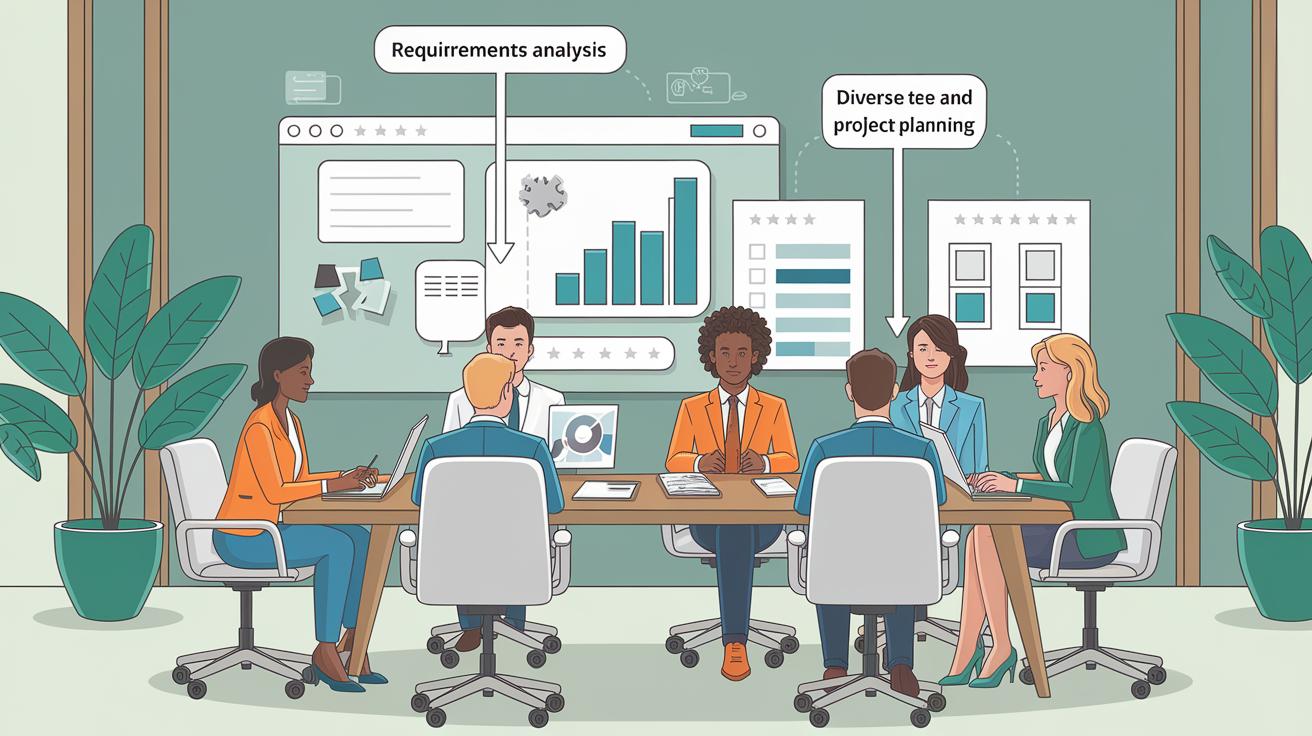
Developing software is like a journey with clear stops along the way. Each stage, from the first idea to after the launch, helps keep everyone in sync and makes sure the final product is reliable.
Phase 1: Requirements & Analysis
Here, business analysts team up with stakeholders to gather all the needed info. They put everything in a document known as the Business Specification (BS) or Customer Requirement Specification (CRS). Think of it as a big meeting where all thoughts are turned into clear, written details.
Phase 2: Project Planning
Next, senior developers and key team members come together to chart out the project. They sort out resources, set real timelines, and spot any potential bumps. This careful planning creates a roadmap that guides the work from start to finish.
Phase 3: Design
Now, architects step in with different design ideas. They produce a Design Document Specification (DDS) that outlines the system's structure and even some basic ideas for the interface. It’s like sketching a blueprint so the whole team can picture how the final product will look and work.
Phase 4: Coding & Implementation
Then, developers take that design and start writing code using best practices and the right programming tools. They make sure every piece of the software plays its part perfectly. Often, they choose a specific programming language that fits the project’s needs just right.
Phase 5: Testing
Quality assurance teams then test the software to catch any bugs or issues. They track down errors and check that every part meets the set requirements. This testing phase is crucial to making sure the software runs without any hiccups.
Phase 6: Deployment & Maintenance
Finally, deployment engineers install and set up the software for customers and sometimes provide user training too. Once the software is live, support teams are on hand to fix problems, deliver updates, and keep everything running smoothly.
SDLC Methodologies: Waterfall, Agile, and Beyond
When it comes to planning software projects, different models take different paths from start to finish. Some models follow a clear, step-by-step plan, while others work in quick cycles, letting you adjust as you go. Take the Waterfall model, for instance. It moves neatly from one phase to the next, which makes planning easy, but even a small hiccup can slow everything down. On the other hand, Agile methods like Scrum and Kanban are designed for short bursts of work that can quickly respond to what customers need. Then there are models like Iterative and Spiral that review work repeatedly and check for risks along the way, helping keep the project on track and ensuring it meets users' expectations.
| Model | Description | Pros | Cons |
|---|---|---|---|
| Waterfall | A clear, linear process that finishes one stage before starting the next | Easy to plan and document each step | Not very flexible; small issues can cause big delays |
| Agile (Scrum & Kanban) | Works in cycles with regular check-ins and adjustments | Flexible and delivers small, tested pieces fast | Can feel a bit messy with too much feedback and needs close oversight |
| Iterative | Creates new versions quickly by repeating short cycles | Fast results and regular reviews | Needs careful resource management to avoid burnout |
| V-Model | Adds testing at each step to the traditional Waterfall plan | Boosts quality with continuous testing | Still follows a strict sequence and can take time |
| Big Bang | A risky approach best for small teams with loose plans | Works well for simple projects with plenty of resources | Lacks structure, which can lead to mistakes |
| Spiral | Merges Waterfall and Iterative ideas with ongoing cycles and risk checks | Highly flexible with built-in risk analysis | Can be costly and tricky to manage |
Best Practices Across the Software Development Life Cycle

Development is changing fast. Today, teams are using smart testing and live monitoring to go beyond old-school methods.
-
Try out AI risk analysis to catch issues early.
For example, think of a system that warns teams when odd code patterns show up. -
Add a live quality dashboard so you get instant updates on your code health.
Imagine a screen that refreshes in real time to show any quality changes. -
Use automated tests with machine learning help for quicker, sharper checks.
Tests can adjust on the fly to find even the sneakiest problems. -
Connect a stakeholder platform to share live project updates with everyone.
Picture clear, up-to-the-minute reports that keep all teams in sync. -
Use a unified project management tool to blend all feedback into one place.
One tool could gather ideas from designers, developers, and testers in one spot. -
Try advanced version control with smart merge conflict warnings.
These systems can alert you before a merge brings any trouble. -
Look at recent case studies to improve work at every stage.
Think about how a top app fine-tuned its rollout by learning from similar projects. -
Keep documentation flexible so it updates with your code automatically.
Imagine docs that change along with every new update.
These fresh ideas help cut out extra steps while making the whole process even better.
Tools and Techniques to Support Your Software Development Life Cycle
Organizations use a mix of handy tools to make software projects run smoothly. They depend on systems that manage requirements (which keep track of what the software needs to do), design modeling tools (like UML for planning), integrated development environments (IDEs that help you write code), and version control platforms like Git (which track changes in code). They also set up CI/CD pipelines (automated paths that build, test, and deploy software) along with automated testing frameworks and bug tracking systems to catch and fix issues quickly. Every tool plays its part in boosting productivity, managing code changes, tracking progress, and keeping quality high throughout the project.
Popular platforms such as Azure, GitHub, and Jenkins help teams create smooth development environments and work together better, even when coding happens in different places. Many groups also call on consulting services for SQL Server and Power BI integration (tools for organizing data and creating reports) to sharpen their data management. Custom application frameworks, which blend familiar tools with modern automation methods, can be tailored to fit a project’s unique needs. These blended solutions help teams meet their goals while staying agile and ready to adapt.
A big part of success is connecting all these diverse tools into one smooth workflow. By using APIs and webhooks (methods that let different programs share data), teams can keep everything updated automatically. This smart integration cuts down on manual errors and keeps everyone, from developers to testers to operations, in sync. In short, every step of the software development life cycle becomes more efficient and adaptable, powering projects to greater success.
Real-World Applications of the Software Development Life Cycle

In one example, a team built a custom business app using a step-by-step process. Business analysts gathered all the details to create a clear blueprint document, while architects crafted a detailed design plan (a guide for building the system). This careful planning allowed everyone to follow each step with purpose. It’s a lot like putting together a puzzle where each piece finds its perfect spot, and the final picture comes together smoothly.
In another case, a project moved a company’s system to the cloud and updated their work methods using Azure. Teams set up automatic testing and update systems (this means new code is checked and released continuously) to meet changing customer needs. This method helped reduce downtime and quickly solve problems. Thanks to regular quality checks and steady maintenance, the rollout was smooth. In truth, blending old-school steps with new cloud practices made all the difference.
Measuring Success and Continuous Improvement in the Software Development Life Cycle
When teams use simple numbers to track their work, everyone can see how each phase is performing. Setting clear goals right from the start makes it easy for everyone to spot spots that need extra attention. Imagine a digital screen that shows progress like a scorecard for every stage.
Key numbers like cost differences (how much you spend versus what you planned), keeping to a schedule, bug counts (errors in the code), test reach, how happy users are, and how often updates roll out give a clear picture of the project’s health. Teams check these figures often, even after launch, along with quick tests to see if everything is ready. It’s like watching your test results update in real time and knowing right away if something needs fixing.
The secret to always getting better is a steady loop of feedback and regular tweaks to the process. Teams study their results and use those insights to shape future updates. For example, if user happiness drops, they might change the testing approach next time to make sure each release runs smoother than before.
Final Words
In the action, we explored each stage of the software development life cycle, from planning and design to coding, testing, deployment, and maintenance. This structured approach aids in cutting costs, managing risks, and keeping projects aligned with clear documentation.
We reviewed different methodologies, real-world case studies, and effective tools that support every phase. The insights shared help simplify tech decision-making and spark curiosity. Stay positive and keep applying these principles to achieve great results in any tech project.
FAQ
Where can I find downloadable SDLC resources like PDFs, PPTs, diagrams, and lecture notes?
The downloadable SDLC resources offer step-by-step guides and visual aids, including PDFs, PPTs, diagrams, and lecture notes, providing clear insights into its phases and structured process.
What are some Software Development Life Cycle models?
The SDLC models include waterfall, agile, iterative, and others, each offering a unique approach to project development by structuring steps from planning to maintenance with varying levels of flexibility.
What are the main phases of the Software Development Life Cycle?
The SDLC phases cover planning, analysis, design, development, testing, deployment, and maintenance, offering a roadmap to build, test, and support high-quality software efficiently.
What are the 7 phases commonly mentioned in SDLC?
The seven phases often listed include requirements analysis, planning, design, coding, testing, deployment, and maintenance, ensuring thorough documentation and step-by-step project management.
What are the 5 phases of SDLC in some frameworks?
In certain frameworks, SDLC condenses into five phases: planning, design, development, testing, and deployment, streamlining process steps while still covering essential development tasks.
Is SDLC strictly a waterfall methodology or does it include agile practices?
SDLC isn’t limited to one method; it can follow the linear waterfall model or adopt agile practices like iterative and incremental development, adapting to project needs and continuous customer feedback.
What are common SDLC interview questions about?
SDLC interview questions often cover its phases, model selection, risk management, stakeholder alignment, and best practices, helping assess candidates’ understanding of systematic software project execution.