



Top 20 Free AI Tools You Need in 2025 is a compact guide to must-try AI services across productivity, video, writing, audio, app building, coding and design. This curated list highlights free tiers and accessible tools that let creators, developers and professionals experiment with generative AI without immediate cost. From ChatGPT and Google Gemini for research to MidJourney and Canva Magic Studio for visual content, each tool offers a fast way to prototype, automate or improve workflows. Below we break the list into practical categories, explain what each tool does and suggest how to get started safely with privacy and licensing in mind.
Productivity & Work , Research, Presentations & Investing

These tools streamline research, analysis and presentation building. Driven positions itself as an investing partner pulling trusted market data and news to help you make decisions faster. Gamma AI turns ideas into polished slide decks in minutes, ideal for pitches and internal updates. Perplexity acts as a research assistant combining web sources and citations for quick answers and summaries. GetStudyPal promises accelerated learning with structured study paths and AI tutors to master topics faster. And Google Gemini brings broad research and contextual understanding across queries. Together they reduce busywork, speed decision-making and let you focus on strategy instead of manual searches.
Video & Animation , Create and edit video with AI

Video and animation tools have become accessible for creators without large budgets. ImagineArt helps generate visual assets and concept art that can be animated or used as storyboards. Google Veo offers text-to-video capabilities for quick concept clips. Synthesia replaces cameras with AI avatars and realistic lip-synced narration, useful for training, explainer videos and localization. Runway provides powerful AI editing, background removal and effects that accelerate post-production. Descript combines transcript-first editing with AI voice cloning and filler-word removal, ideal for podcasts and short-form video. Many of these services have free tiers or trials great for prototyping video ideas quickly.
Writing , Draft, edit and organize text faster

Writing tools remain at the center of AI productivity. ChatGPT excels at brainstorming, drafting and iterative editing across genres. Grammarly focuses on grammar, tone and clarity with real-time suggestions to polish your work. Quillbot is a quick paraphrasing and summarization companion when you need to rewrite passages or explore alternate phrasings. Notion AI integrates writing, summarization and task organization directly into your workspace so notes become actionable to-dos. Use a combination: draft with ChatGPT, refine with Grammarly and Quillbot, then store and link outcomes inside Notion. All these tools offer free tiers good for daily writing needs and experimentation.
Audio, Voice & Music , Compose, clone and generate sound
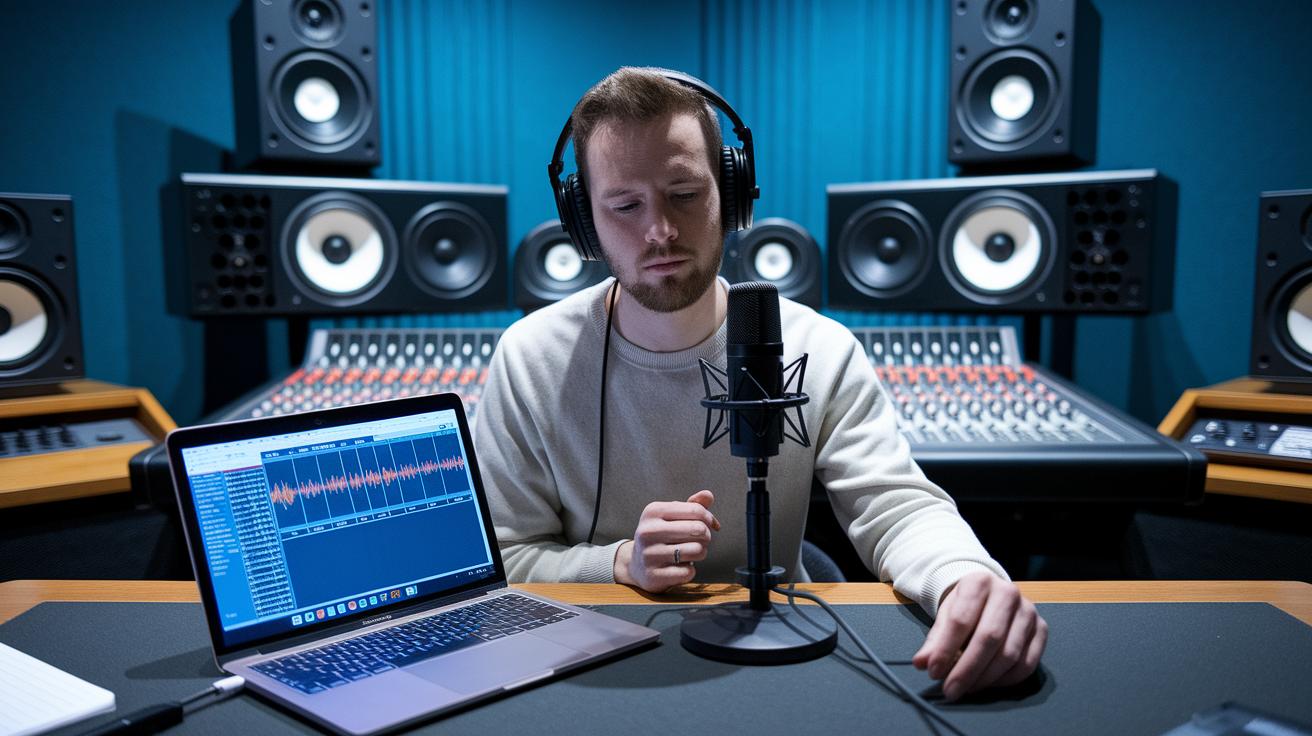
The audio space is rapidly innovating with models that generate music and realistic voices. Music Arena helps you discover and compare AI music models so you can pick the sound that fits your project. ElevenLabs leads in human-like voice generation and cloning, a huge time-saver for narration and localized content, while raising important consent and rights considerations. Natural Readers offers reliable text-to-speech for accessibility, audiobooks and voiceover prototypes. Suno focuses on AI music creation and composition, letting creators generate backing tracks or full songs. Together these tools make sonic prototyping fast and lower production costs for creators and small teams.
App & Web Development (Prototyping / No-Code) , Build faster without heavy engineering

No-code and low-code AI tools make it possible to prototype apps in hours. Replit gives a browser-based IDE with AI features so you can build, test and deploy quickly from any machine. v0 by Vercel helps generate React components and UI via prompts, speeding front-end development. Rocket aims to let you build full web and mobile apps with minimal setup, while Lovable focuses on creating apps through chat prompts and guided flows. These platforms are ideal for founders, designers and students who want to validate ideas fast before investing in full engineering teams. Free plans are usually enough to ship initial prototypes.
Coding & Development , AI copilots for developers

For developers, AI copilots speed up testing, debugging and repetitive tasks. AskCodi gives targeted coding support and explanations to help you solve problems faster. GitHub Copilot integrates into editors and suggests code completions, snippets and entire functions based on context. Cursor offers an AI-powered code editor that blends assistance with navigation and project-wide understanding. Use these tools to refactor legacy code, generate unit tests and prototype features quicker. While free tiers differ, many provide developer-friendly limits ideal for learning and small projects. Remember to review generated code for security, licenses and edge cases before shipping to production.
Image & Design , Generate visuals, branding and marketing assets

Image and design tools let anyone produce polished visuals quickly. Microsoft Copilot Designer integrates AI image generation into familiar productivity workflows and helps build branded assets. MidJourney remains a favorite for creative image generation and stylized artwork. Canva Magic Studio brings generative features to templates for social graphics, presentations and marketing materials, removing repetitive design work. Ideogram focuses on branding and visuals with AI-assisted layouts and consistent palettes. These platforms are excellent for creators, small businesses and social teams who need rapid iterations. Free tiers often include watermarked or limited-resolution outputs, which are fine for ideation and initial campaigns.