



Ever wonder how your computer, phone, and smart devices all work together like old friends catching up? This neat trick is called system integration. It links apps, hardware, and networks, sort of like fitting puzzle pieces together.
By connecting different tech parts, it cuts down on extra work and repetition. This smart setup helps your gadgets make decisions faster and work in smooth, steady flow. In truth, it makes our tech feel more in tune with our everyday lives.
what is system integration: Smart, Seamless Unity
System integration connects different software and applications so they work as one. It links together IT systems, hardware like servers and IoT devices (small gadgets that share data), software, and networks. Think of it as piecing together a puzzle where every piece fits perfectly. This process cuts down on manual work and stops duplicate tasks.
By merging these tech components, integration breaks down data silos and brings everyday tools into one smooth workflow. It automates routine tasks and keeps information in one place, so decision-making gets quicker and more dependable. When systems team up, employees face fewer delays and can focus on creative problem-solving without fighting clunky, isolated programs.
Unlike data integration, which just collects information, system integration ensures active collaboration between systems. In plain terms, while data integration might put all customer details in one spot, system integration connects the tools for customer service, billing, and inventory to keep updates flowing.
At its heart, the goal is to boost efficiency, offer real-time insights through centralized data, and set up a steady framework for business tasks. This smart setup makes tech work together seamlessly, giving organizations the flexibility to adapt and grow.
Key Components of System Integration
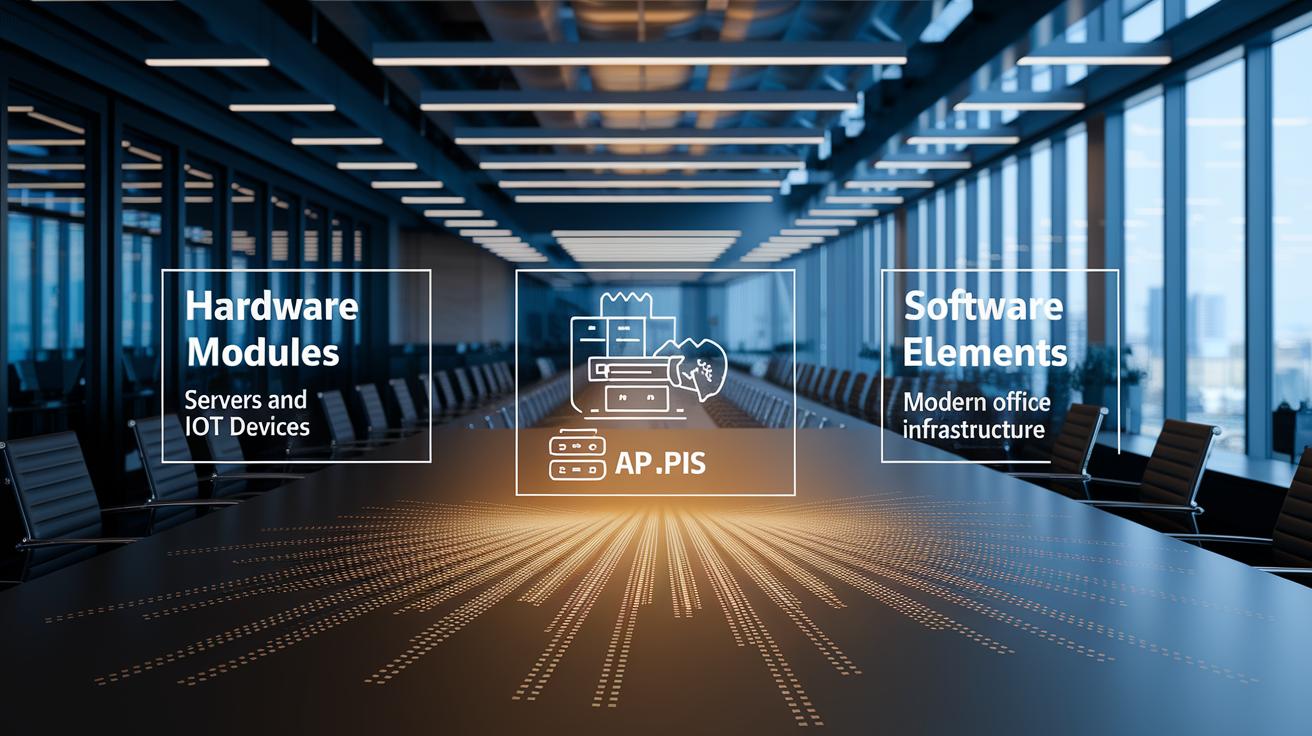
System integration rests on three main building blocks: hardware modules, software elements, and network infrastructure. These parts work together like team players to create a smooth and efficient tech setup.
Hardware modules are the physical pieces of the puzzle, things like servers, storage units, and IoT devices. Think of a server as the central hub, the heart of the system, while IoT devices act as little instruments that keep everything connected and responsive.
Software elements include apps, middleware (software that helps different programs communicate), and APIs (interfaces that let these programs talk to each other). Middleware bridges gaps between standalone software, ensuring data flows easily. APIs serve as key connectors that let various software pieces work together without any manual effort.
Network infrastructure, which covers local networks (LAN), wide-area networks (WAN), and cloud connectivity, creates the pathways for digital information. Imagine these as busy roads where your data races quickly and securely from one place to another. On top of that, integration tools like Enterprise Service Bus (ESB) or Integration Platform as a Service (iPaaS) change data formats and manage message flows, ensuring the hardware and software unite seamlessly.
| Component | Description |
|---|---|
| Hardware modules | Servers, storage units, and IoT devices that form the physical backbone. |
| Software elements | Apps, middleware (connectors), and APIs (translators) ensuring smooth communication. |
| Network infrastructure | LAN, WAN, and cloud connectivity that serve as data highways. |
Put simply, these components come together to form a unified system that boosts efficiency and allows businesses to adapt quickly to new opportunities and challenges.
Common System Integration Methodologies
Integration strategies come in many shapes and sizes, each built for different needs. A small firm that wants fast connections might use a point-to-point model. Think of it like wiring two devices together directly, it’s simple and quick. But as more systems join, these links can multiply into a messy network that's hard to manage.
For a larger business with systems that share data often, a hub-and-spoke model works well. Here, one main hub (often called an Enterprise Service Bus) sends messages to all other systems. Imagine a busy airport terminal that directs all the flights smoothly. This setup cuts down on the number of direct links and makes management easier. Still, if the hub gets overloaded, everything might slow down.
Then there’s the Enterprise Service Bus (ESB) model. This approach uses a special software layer (middleware) to handle data flows and help different programs work together while staying independent. It offers a lot of flexibility and room to grow. But if that central hub fails, the whole network could be affected.
| Model | Description | Pros | Cons |
|---|---|---|---|
| Point-to-Point Model | Direct links between individual systems. | Quick setup; easy to start. | Not great for many systems; can get messy. |
| Hub-and-Spoke Model | A central hub directs messages among systems. | Fewer direct links; easier to manage. | If the hub overloads, it slows everything down. |
| Enterprise Service Bus (ESB) Model | Uses middleware to manage data movement between systems. | Flexible integration; keeps systems independent yet connected. | If the hub fails, the whole network can suffer. |
Each model carries its own mix of benefits and challenges. Businesses can pick the approach that best fits their mix of speed, simplicity, and scalability.
Steps in a System Integration Project

Planning and Feasibility Analysis
Kick things off by outlining your project's goals, scope, and budget (think amounts over $50K). Set up a timeline, note potential risks, and get early approval from everyone involved. It’s like building a sturdy house starting with a solid foundation. Imagine planning a road trip where you map every stop, fuel cost, and detour before you leave, that clear plan helps you avoid unexpected bumps later.
Architecture Modeling
Now, pick the integration model that fits best, whether it’s ESB, API-led, or a hybrid approach. Draw out data flows and design simple system diagrams to show how information moves around. In a way, it’s like sketching a blueprint before you build a house. For example, drawing your workflow on paper ahead of time can help you spot issues that might slow you down later.
Implementation and Testing
Next up, build the connectors and set up your middleware so all systems can talk to each other smoothly. Test things out, both how each part works and how they perform together, using agile sprints. This phase is key to ironing out any quirks that might make your network act unpredictably. Think of it like testing a car at different speeds before a long drive: you want to ensure everything runs great no matter the pace.
Deployment and Maintenance
Finally, roll out the integrated system carefully and keep an eye on it with regular checks to maintain steady performance. Handle updates in a planned way to avoid any downtime, and coordinate with IT service management for a smooth operation. To put it simply, upgrading a system is like replacing a worn tire on your car, you do it step by step to keep the whole ride safe and moving forward.
Benefits and Challenges of System Integration
Integrated platforms make daily work smoother by handling routine tasks automatically. Picture a system that updates your sales numbers every hour, freeing your team from boring manual entries. All your data comes together in one spot, so managers can quickly make smart decisions with real-time info. It also saves cash by cutting the need for extra hardware and software, and it keeps a clear record for any checks. Plus, these systems can grow as your business does.
But system integration has its own challenges, too. Getting the right help can cost over $50,000, which is a big hit for many companies. Sometimes, projects drag on because stitching different systems together takes time and effort. On top of that, expensive integration tools and regular maintenance fees add more strain, especially when updates and constant monitoring are needed. That’s when working with IT service management (IT service management means having a team to guide and safeguard your systems) becomes really important.
It’s also tough to find professionals who grasp both the tech details and business needs. Without people who have this mix of skills, problems can pop up unexpectedly. And often, executives might not fully back these projects, making it even harder to get the support needed.
So, balancing these upsides and downsides means planning carefully and keeping a close eye on risks. With a smart strategy, your system integration can tackle today’s work while staying flexible for tomorrow’s challenges.
Real-World System Integration Examples

When different systems talk to each other, work becomes smoother and simpler. Imagine a company where tracking work hours connects directly with payroll. In one case, various software, like time tracking, accounting, ticketing, and monitoring, work together like a well-oiled machine. This smart connection handles payroll calculations on its own and cuts down on paperwork. In one instance, a big company managed to cut payroll processing time in half, proving that smart system coordination really works.
Another great example is when ERP and CRM systems team up. Here, customer details from one system mix with business data from another. This means orders can adjust quickly based on the freshest sales numbers, and support teams get a clear picture of each customer’s history, so they can help out more effectively.
Then there’s B2B integration. In these setups, supplier inventory links with procurement platforms using standard EDI protocols (electronic data interchange, a way for computers to share business documents). This automated process minimizes ordering mistakes and makes sure purchase orders are sent quickly and accurately, which boosts the reliability of the supply chain.
- Time Reporting & Payroll Integration
- ERP & CRM Unification
- B2B Integration
Each of these examples shows how connecting systems can lead to smoother operations and better business performance.
Best Practices and Future Trends in System Integration
A smart integration strategy uses agile methods. Agile means you tweak your plan as projects grow, kind of like adjusting a recipe until it tastes just right. Managed integration services, sometimes called Integration Ops as a Service, help turn big, one-time costs into steady, predictable expenses. Cloud tools like iPaaS and hybrid solutions offer real freedom, letting businesses grow without missing a beat. Automated testing works like a quick quality check on a fresh batch of cookies, you sample a few to ensure they all meet the mark.
Looking ahead, fresh trends are reshaping how systems work together. API-led connectivity links different tools in smarter ways, while microservices break large systems into smaller, manageable chunks. Event-driven, real-time integration makes systems react faster, and AI-driven data mapping offers a clever way to steer information smoothly. With continuous monitoring, everything stays updated without the usual bumps, keeping the tech ecosystem tight and on track.
Final Words
In the action, the post gave a solid peek into what is system integration by linking software, hardware, and networks into one smart system. It broke down key components, compared integration models, and explained project steps, offering real-life examples that show how integrated systems work in practice. The discussion kept things clear and relatable by outlining both the upsides and challenges. The writing leaves readers with a practical grasp of integration and builds a positive outlook on embracing smart tech decisions.
FAQ
What is system integration with an example and what is a real world example of system integration?
The system integration process connects different software systems to work as one unified platform. For example, linking time reporting with payroll systems automates wage calculations and minimizes manual entry.
What is system integration in Biology?
System integration in Biology refers to how various biological systems, like cellular pathways and metabolic processes, work together functionally to maintain the overall health of an organism.
What is system integration in healthcare?
System integration in healthcare involves connecting health IT systems, devices, and software so that patient data flows seamlessly, which enhances care coordination and service efficiency.
What are the steps in system integration?
The integration process typically follows planning and feasibility analysis, architecture modeling, implementation with testing, and finally, deployment with periodic maintenance to keep systems harmonized.
What are the methods for system integration?
System integration methods include approaches such as the Point-to-Point model, the Hub-and-Spoke setup, and the Enterprise Service Bus model, each offering unique benefits and challenges in connecting systems.
What is a system integration company?
A system integration company specializes in designing and implementing ways to connect various hardware, software, and network elements, ensuring that business operations run smoothly and efficiently.
What are the key components of system integration?
The main building blocks include physical hardware (like servers and storage units), software applications and middleware, along with network infrastructure that links these components together for effective communication.
What are the four types of system integration?
Commonly, system integration is broken into hardware integration, software integration, network integration, and middleware integration, each playing a vital role in creating a cohesive, functioning system.
Why is system integration important?
System integration is crucial because it boosts efficiency, cuts down duplicate work, and centralizes data, which in turn supports streamlined decision-making and smoother overall operations.
What is a system integration job?
A system integration job involves planning, designing, and implementing the connections between diverse IT systems, ensuring they work well together while resolving any issues that arise during operation.